Configuration
To enable the Cyera integration with Delinea Platform, follow the steps in this section in the presented order.
Configuring Cyera
To configure the Cyera side of the integration, generate an API token and retrieve the credentials you will need for the Delinea Platform configuration.
-
In Cyera, go to Settings > API Tokens.
-
Click Generate Token.
-
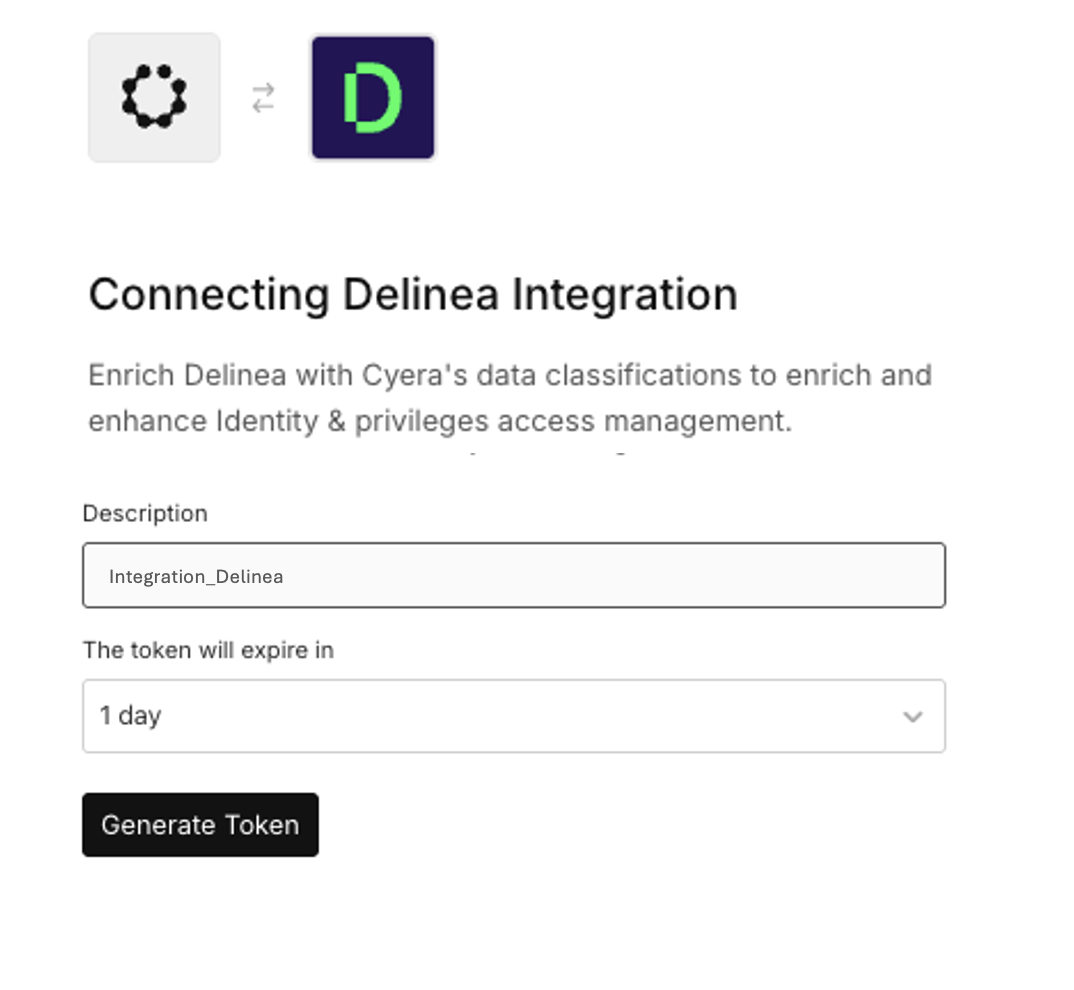
Enter a name for the token in the Description field.
-
In the The token will expire in dropdown menu, set the expiration length of the token. The default value is set to 1 day.
-
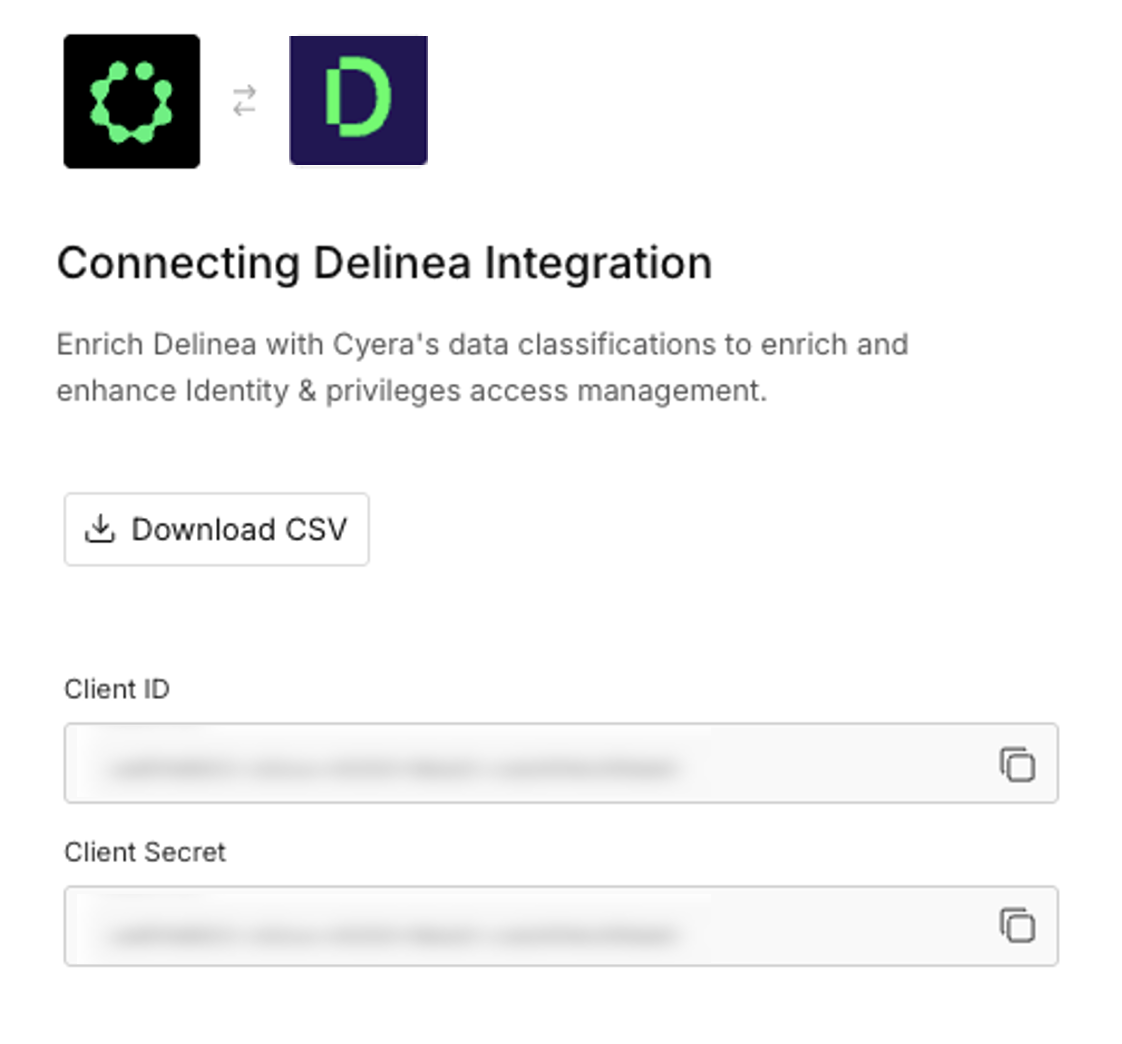
Click Generate Token. The Client ID and Client Secret are displayed.
-
Copy the Client ID and Client Secret: you can either click Download CSV to save both as a file, or click the copy icon next to each field to copy values individually. These values appear only once, make sure you save them.
Configuring Delinea Platform
-
In Delinea Platform, navigate to Discovery > Sources.
-
Click the Create source button in the upper-right corner of the Source page.
-
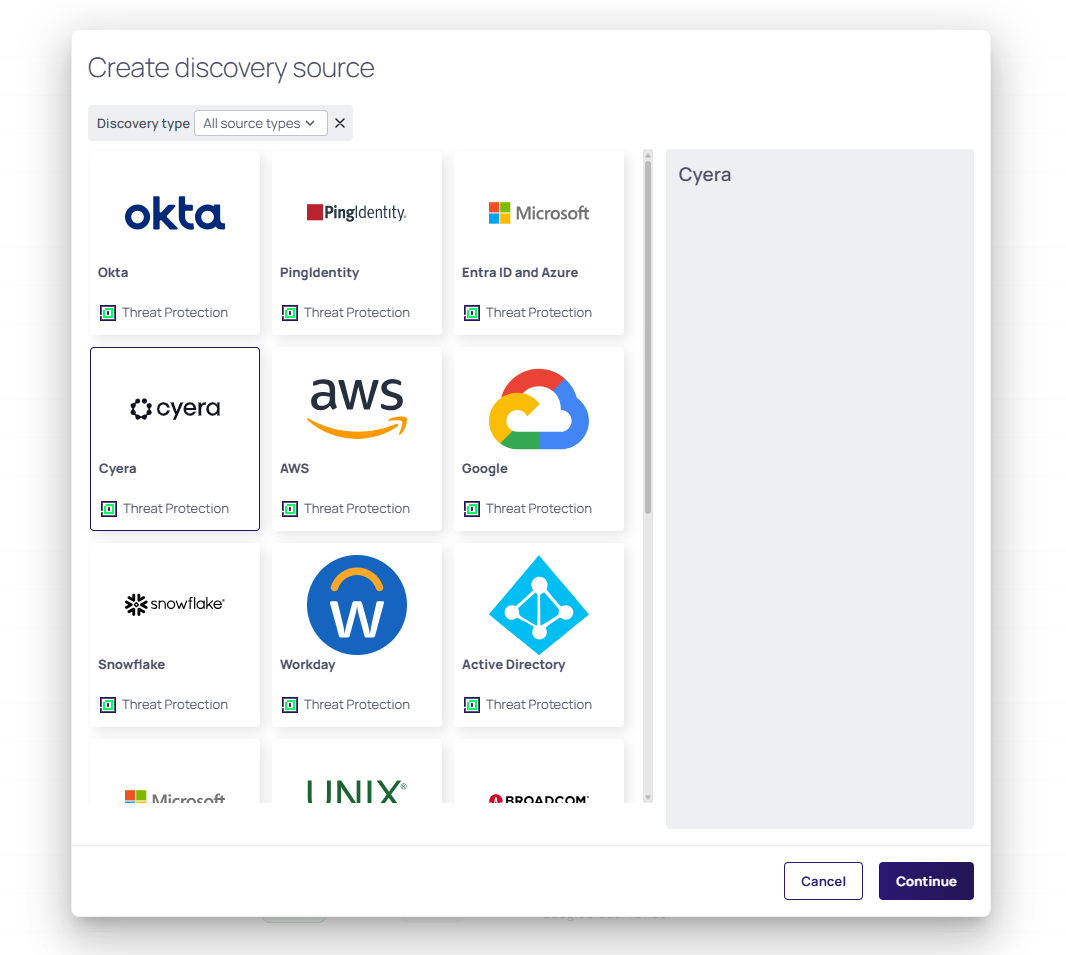
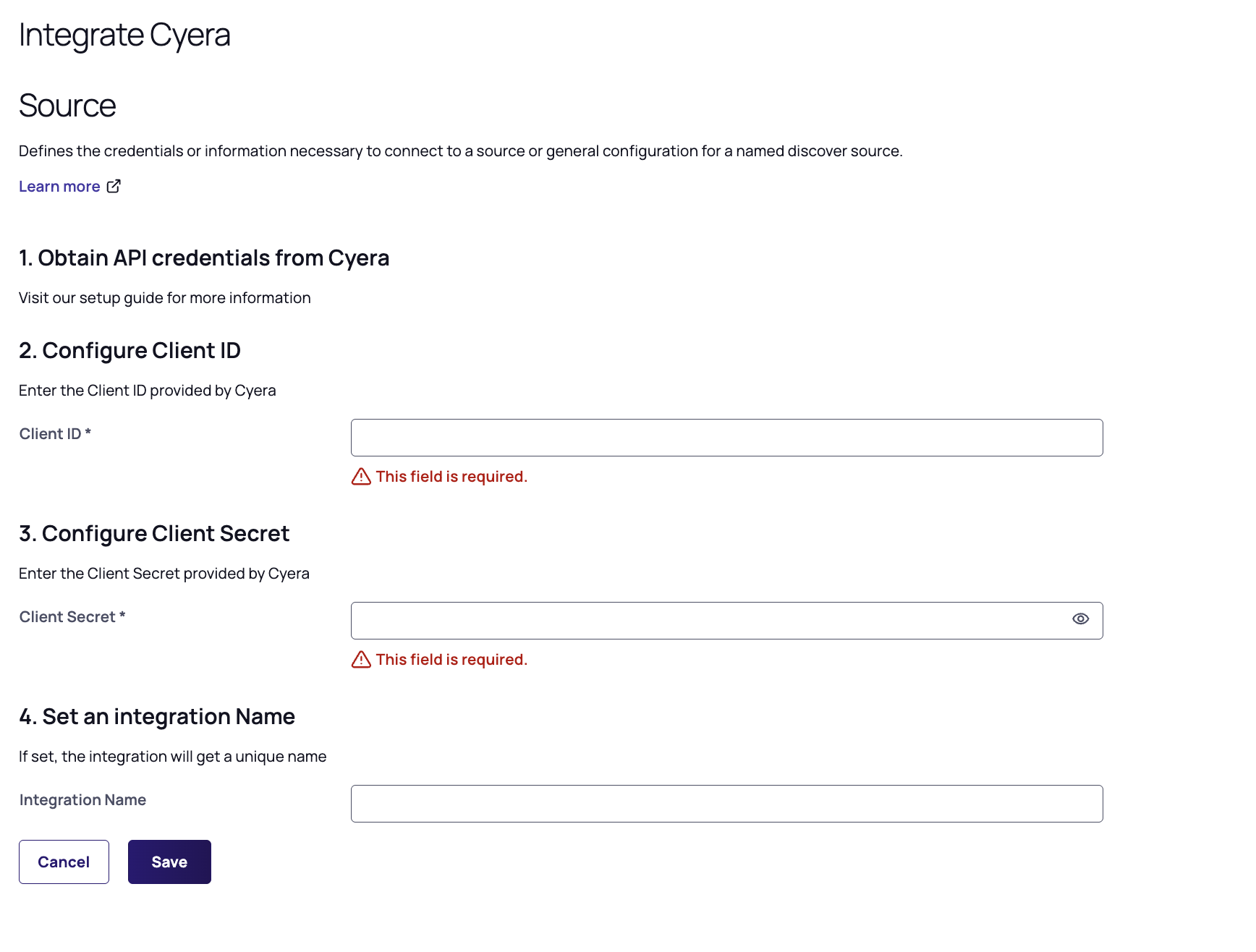
Select the Cyera card and click Continue. The Integrate Cyera page opens.
-
Enter the Client ID and Client Secret you retrieved from the Cyera configuration process.
-
Enter the Integration Name.
-
Click Save.
Go to Verification to confirm the configuration was successful.


