Creating a Custom TOAD Launcher
You can create a custom launcher for TOAD by entering custom command line parameters in the "Process Arguments" field.
-
Search for Secret Templates,
-
Select theLaunchers tab, and click Create.
-
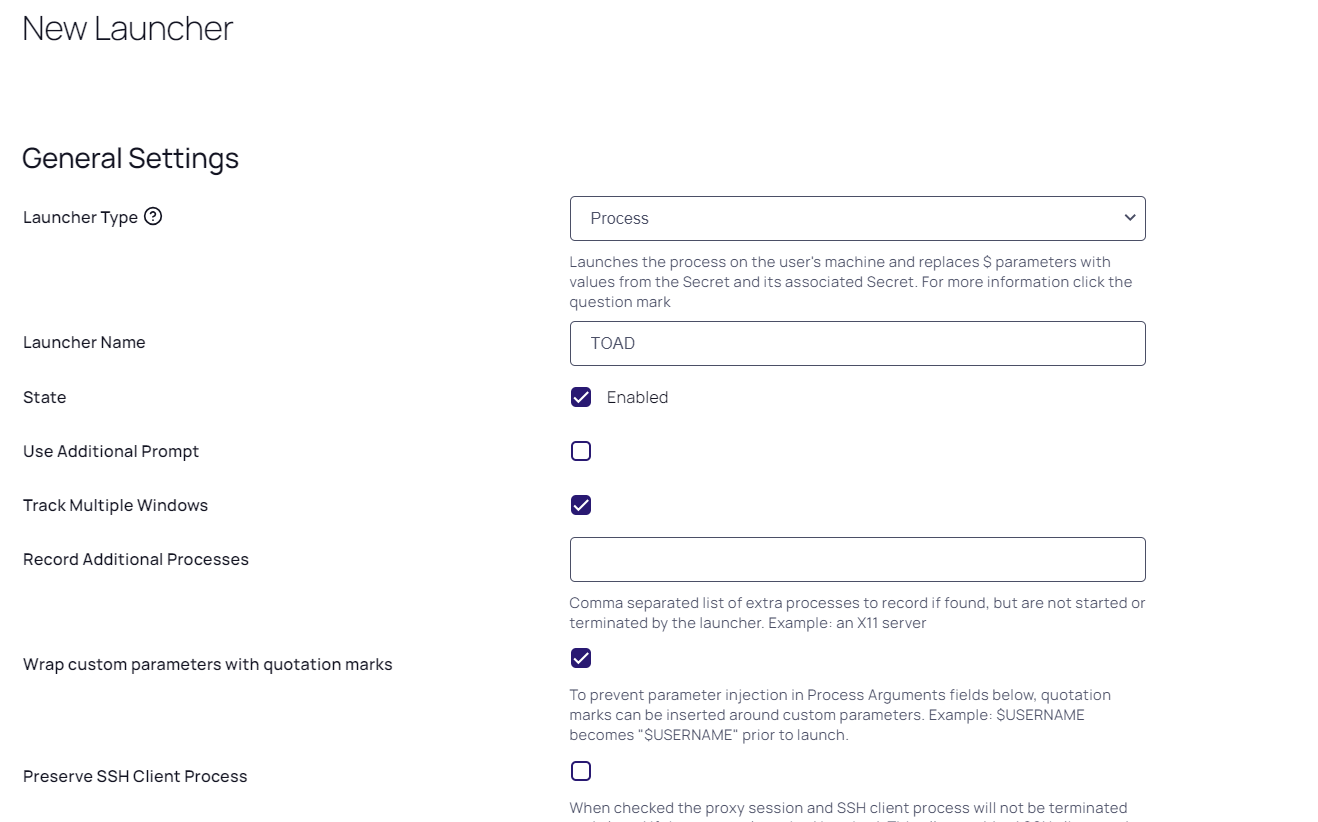
On the New Launcher page, select a Launcher Type:
-
Use Process if you would like to use Secret credentials to connect directly to the remote host.
-
Use Proxied SSH Process if you have SSH Proxy enabled, to prevent passing Secret credentials to the client by connecting to Secret Server's proxy to interact with the remote host.
-
-
Enter a Launcher Name of your choice.
-
For Process Name, enter the location and the Toad executable. The location must exist on the client machine that will run the Toad launcher.
-
For Process Arguments, enter your own custom command line parameters, or the following:
-C $USERNAME/$PASSWORD@$SERVER:$PORT/$DATABASE -
When finished, click Save.


