Configure Secret Server for WitFoo
You must configure settings in Delinea Secret Server for WitFoo to fetch SysLog details.
To configure Secret Server settings:
-
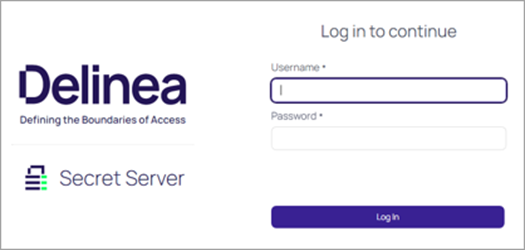
Sign into Secret Server.
-
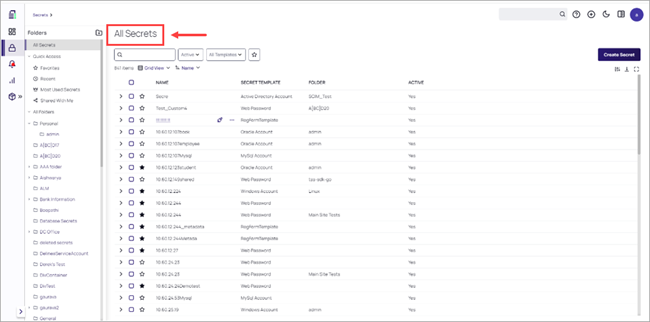
The All Secrets page displays.
-
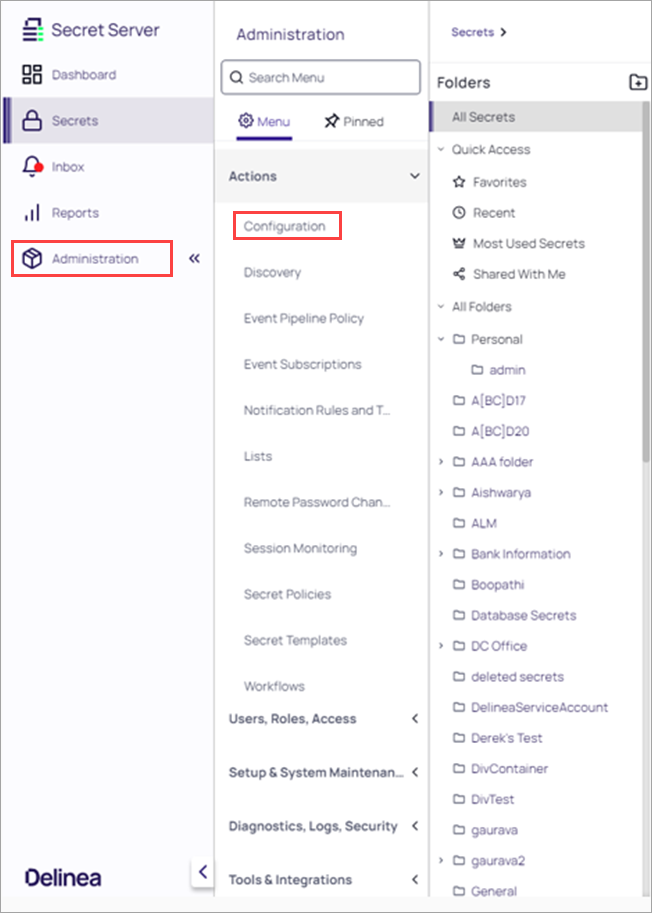
Click Administration > Configuration.
-
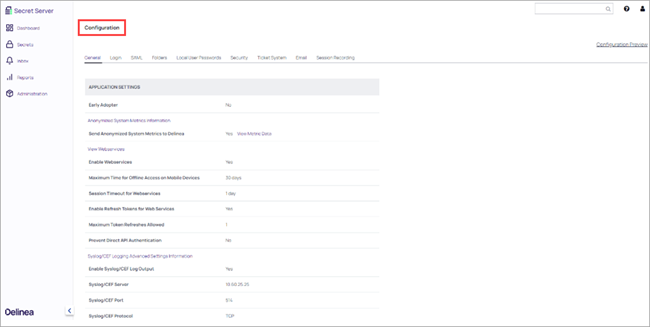
The Configuration page displays.
-
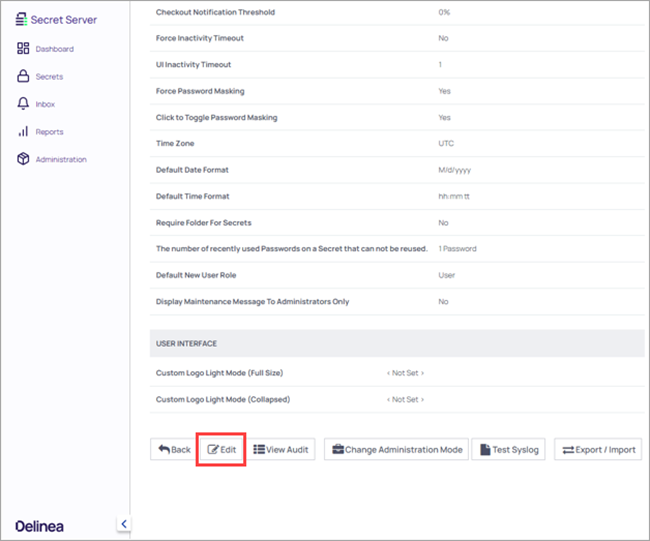
At the bottom of the page, click Edit.
-
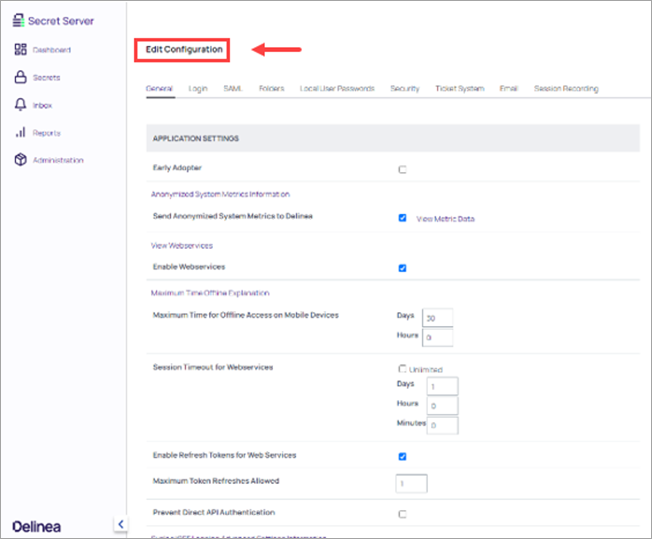
The Edit Configuration page displays.
-
Under Syslog/CEF Logging Advanced Settings Information area, select Enable Syslog/CEF Logging.
-
Configure the following settings and click Save.
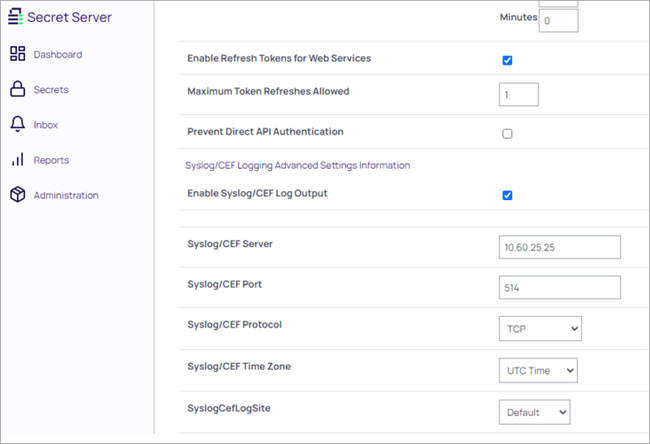
- Enter the IP address of the WitFoo virtual appliance in the Syslog/CEF Server field.
- Enter the port number for the WitFoo virtual appliance in the Syslog/CEF Port field.
- Select the protocol, in the Syslog/CEF Protocol list.
-
You will start receiving event logs. For example, in Secret Server, if you have created a user and assigned a role to the user, those logs are populated in the WitFoo virtual appliance.
Configure WitFoo
- Log in to the WitFoo Precinct virtual appliance with the registered credentials.
- In the Search bar enter the Secret Server’s IP Address.
- The data will display in the WitFoo UI.


