Setting up a New Onboarding Rule in SDK Management
-
Log In to Delinea Platform with admin credentials.
-
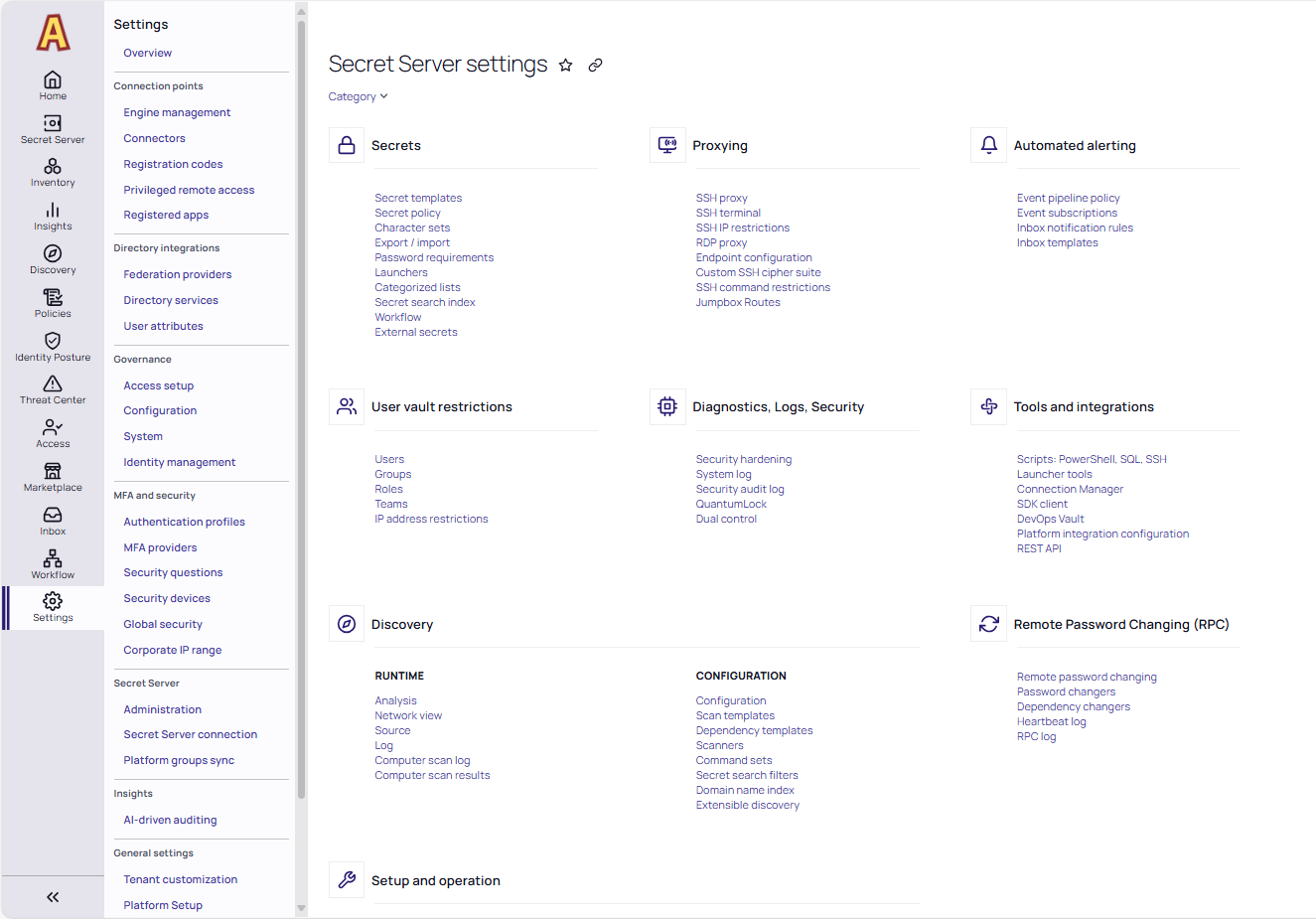
Navigate to Settings > Secret Server >Administration.
-
In the Tools and integrations section, select the SDK client option.
-
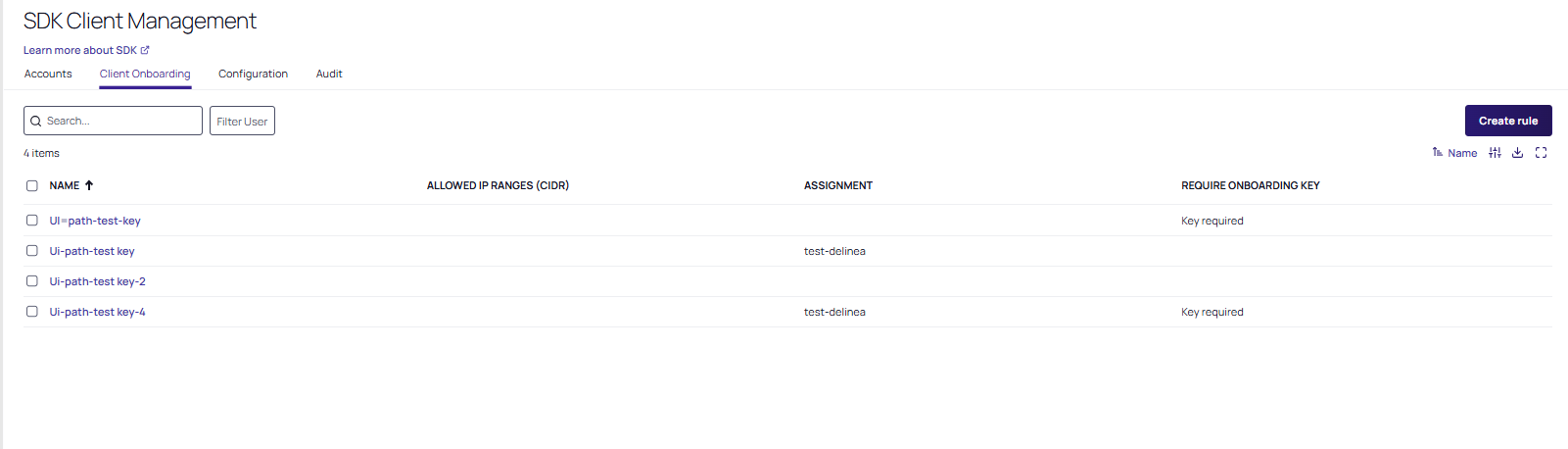
Select the Client Onboarding tab and select Create rule.