Creating a Secret for the UiPath Integration
-
Log into the Delinea Platform using you admin credentials.
-
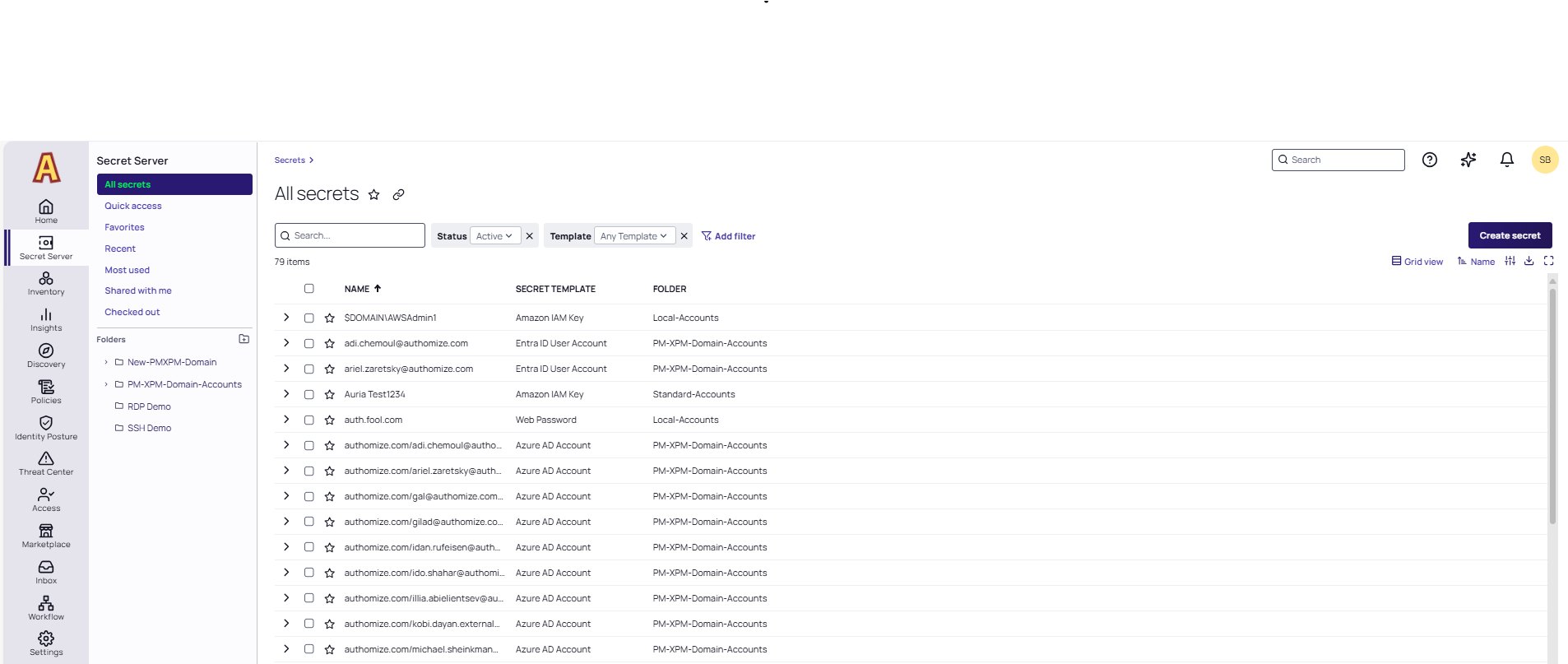
Navigate to Secret Server >All secrets and then select Create Secret.
-
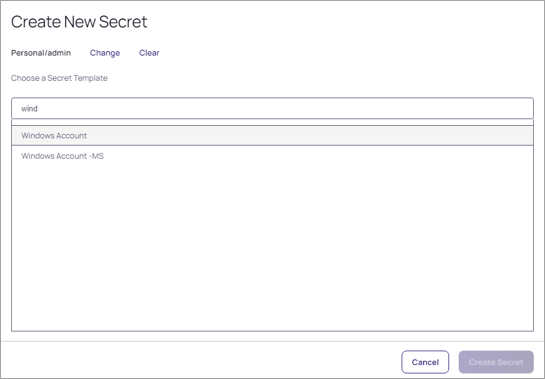
Search and select the Windows Account template. This template is an example used for instructions. Any template can be used if a username and password are referenced.
-
For the New Windows Account template, complete the following fields:
- Secret name: Name of the Secret
- Machine: This can be anything in theory as the integration does not match based on the Secret Machine value and reads from the password field based on the SecretID. If you are using the Secret for RPC/Heartbeat, then have this match a valid machine name FQDN.
- Username and Password: The account username and password that you intend to integrate with a UiPath asset.
-
Select Create Secret.
-
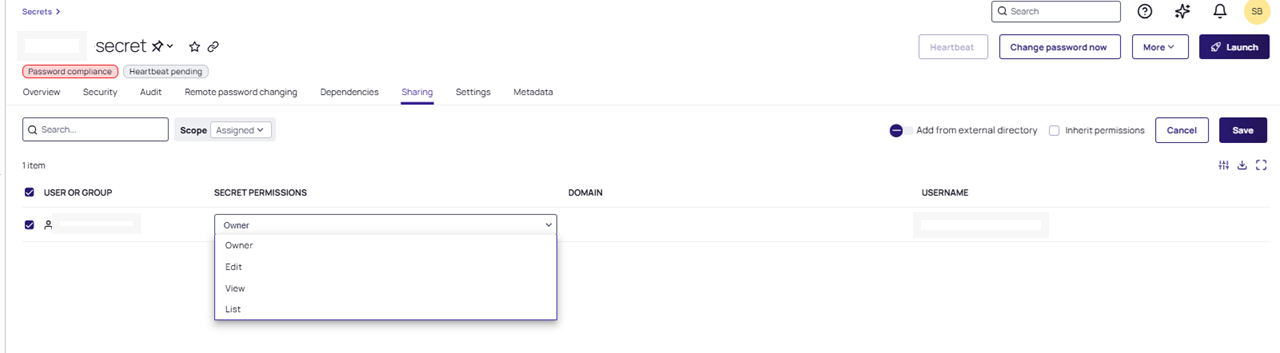
Go to the Sharing tab and then select Edit.
-
Select View permission in the Secret Permissions column.
-
Select Save.