Verification
Request Access to Privileged Account Credentials and Privileged Sessions
-
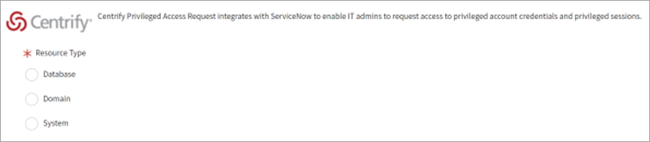
Go to the Centrify Privileged Access Request catalog and choose a resource type from: Database, Domain, or System.
-
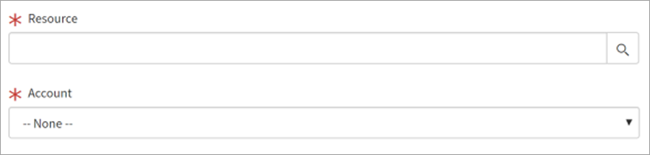
Choose the resource and account.
-
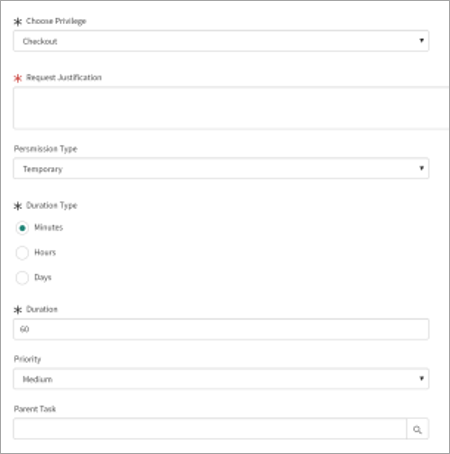
Enter information in the following fields to conclude access request to privileged account credentials and privileged sessions:
- Choose Privilege
- Request Justification
- Permission Type
You can choose between Temporary and Permanent when applying permission.
- Duration Type
- Duration
- Priority
- Parent Task
-
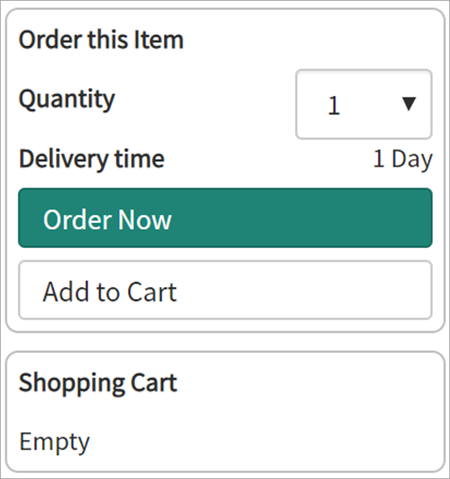
Once the request information is entered, go to the top right corner, and select Quantity,Add to Cart, or Order Now the request.
-
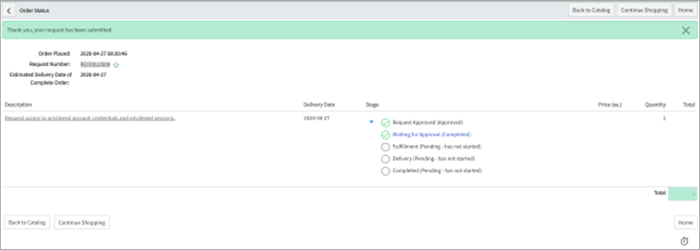
Once submitted, the Order Status will display.