Verification
-
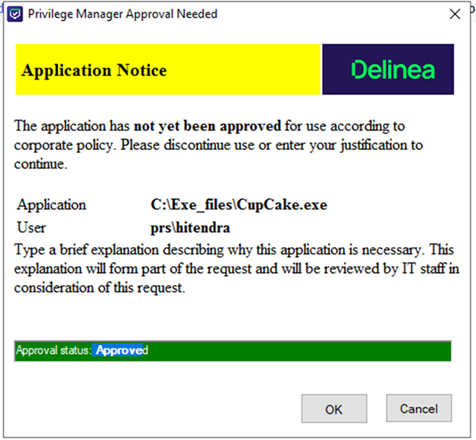
Once you run the application, an approval window should open.
-
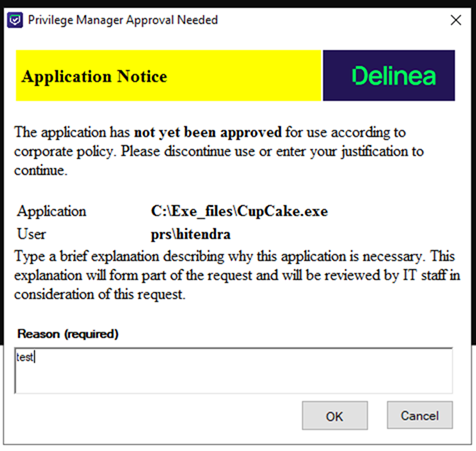
Enter a reason and select Ok.
-
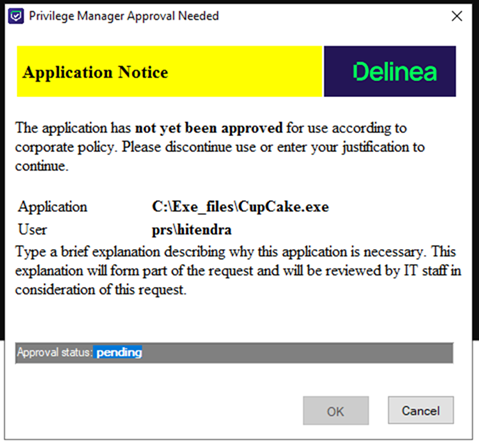
The modal on the agent will remain open with a pending status.
-
In ServiceNow, navigate to All > Delinea Privilege Manager > Requests.
-
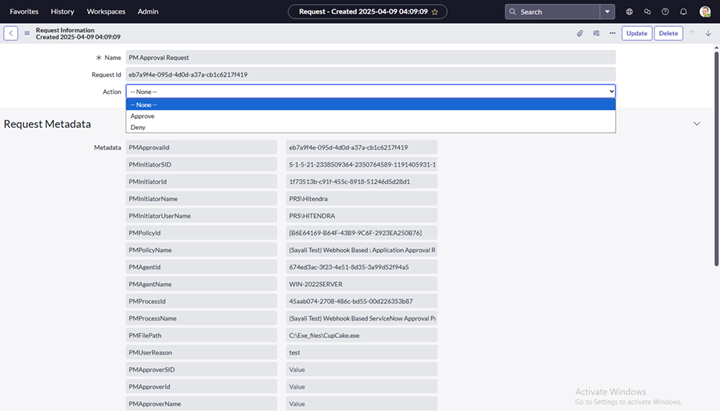
From the list of requests, select the one corresponding to the request.

-
Use the Action dropdown to select either Approve or Deny.
-
Select Update to apply the change.
-
After taking the appropriate action in ServiceNow, the request status will be updated accordingly on the agent side.