Configure Secret Server for Integration
-
Log in Secret Server using the credentials assigned to the dynamic folder.
-
Create an RTS folder and then a Secret.
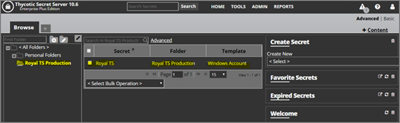
-
Return to the RTS application.
-
Right-click the Secret Server dynamic folder in the tree.
-
Click Reload. The secret you created in Secret Server is pulled into your dynamic folder.
If you want to view your userID and password, you can right-click the credential for the dynamic folder and select Copy to Clipboard.


