Setup
Connecting your SCIM Service with a One Identity Integration
-
To start, sign up for a developer account using the following URL:
https://www.onelogin.com/developer-signup -
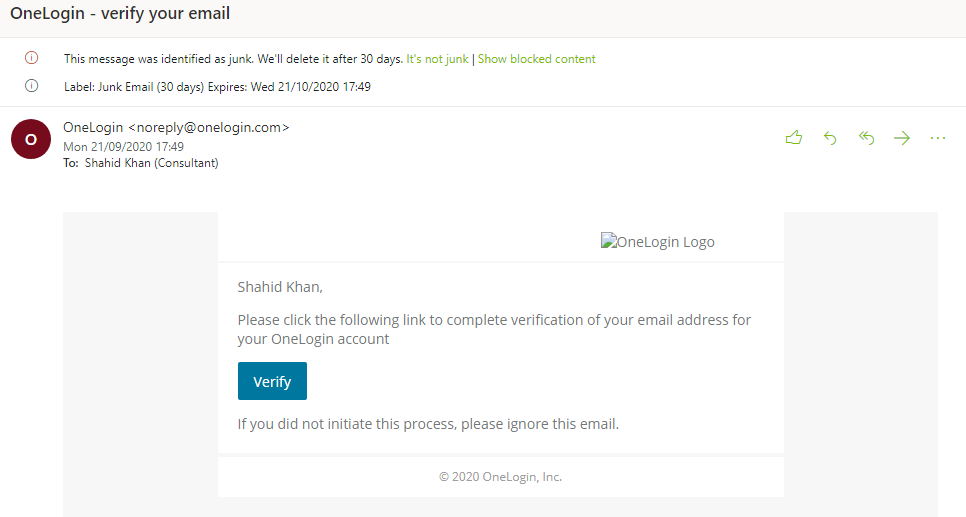
After creating the account, you will receive an email with a link to verify your developer account.
-
Enter the username and password.
-
Select Applications.

-
Select Add App.

-
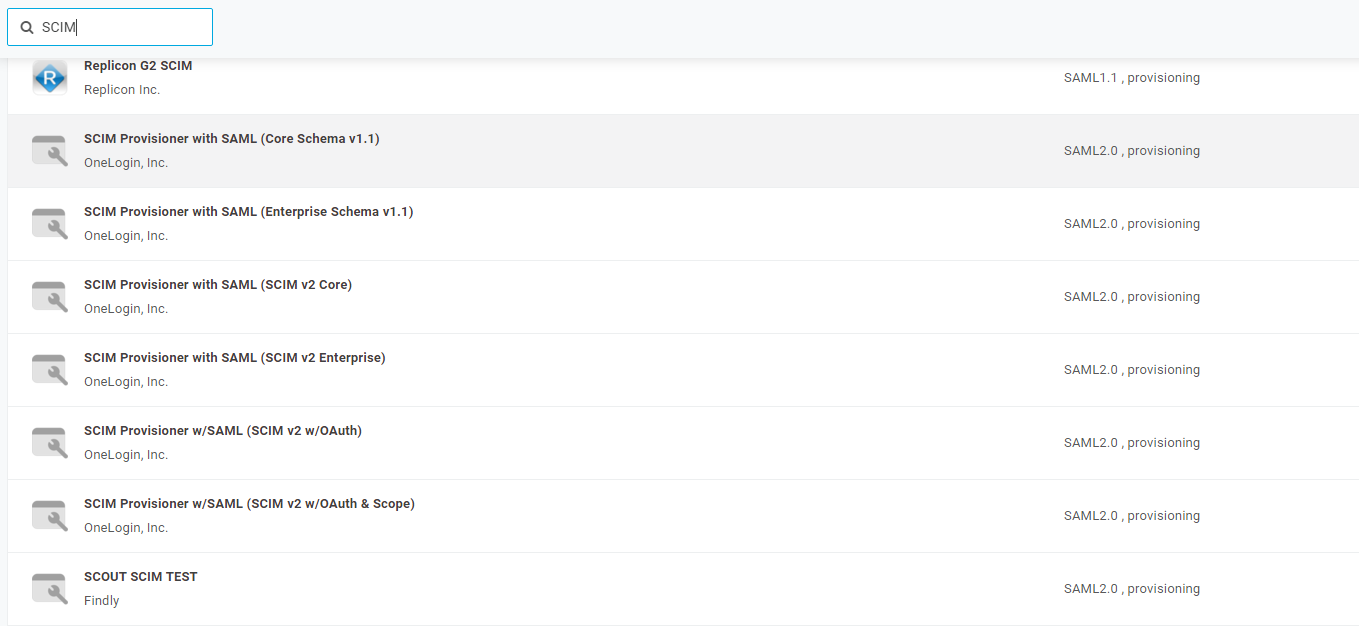
Search for SCIM.
-
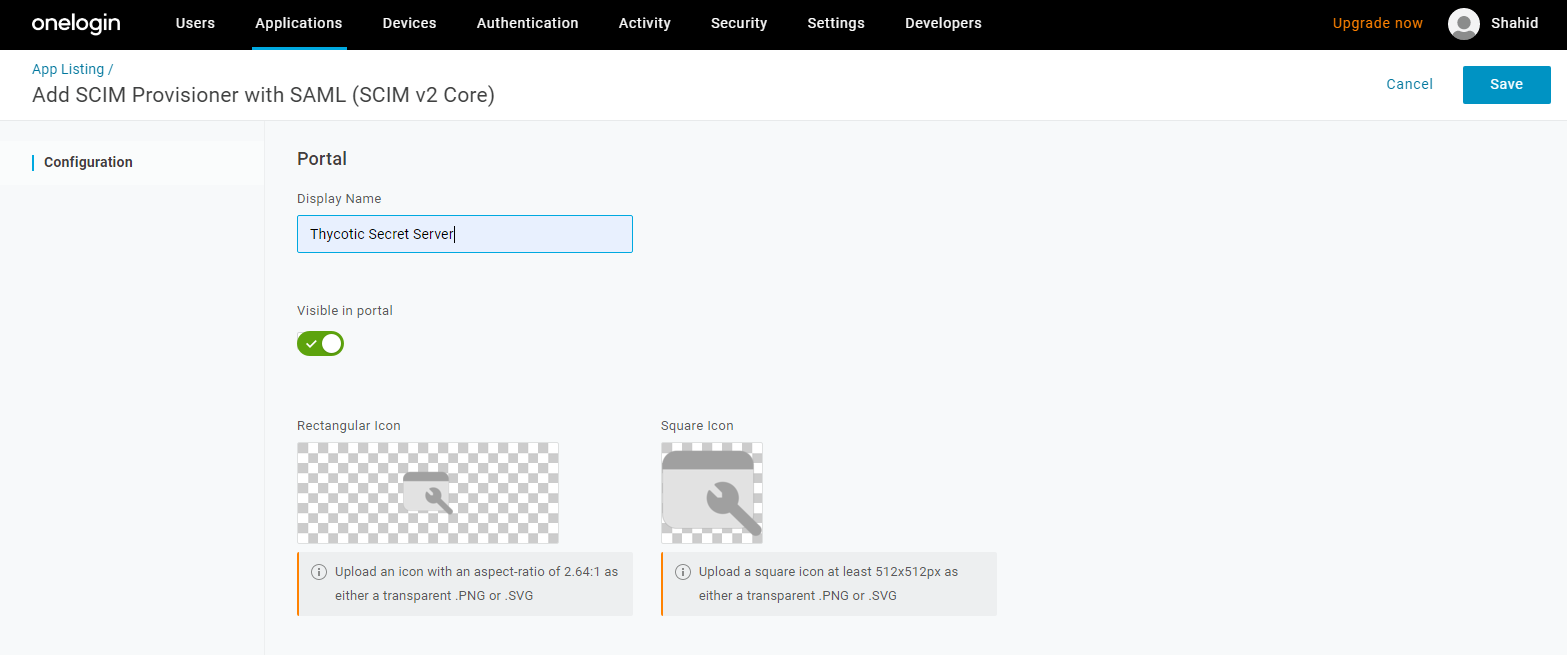
Select SCIM Provisioner with SAML(SCIM v2 core) and enter display name and click Save.
-
Create a new endpoint in Delinea SCIM Connector for OneLogin. To authenticate using SCIM Bearer Token, provide a bearer token to access your SCIM implementation.
-
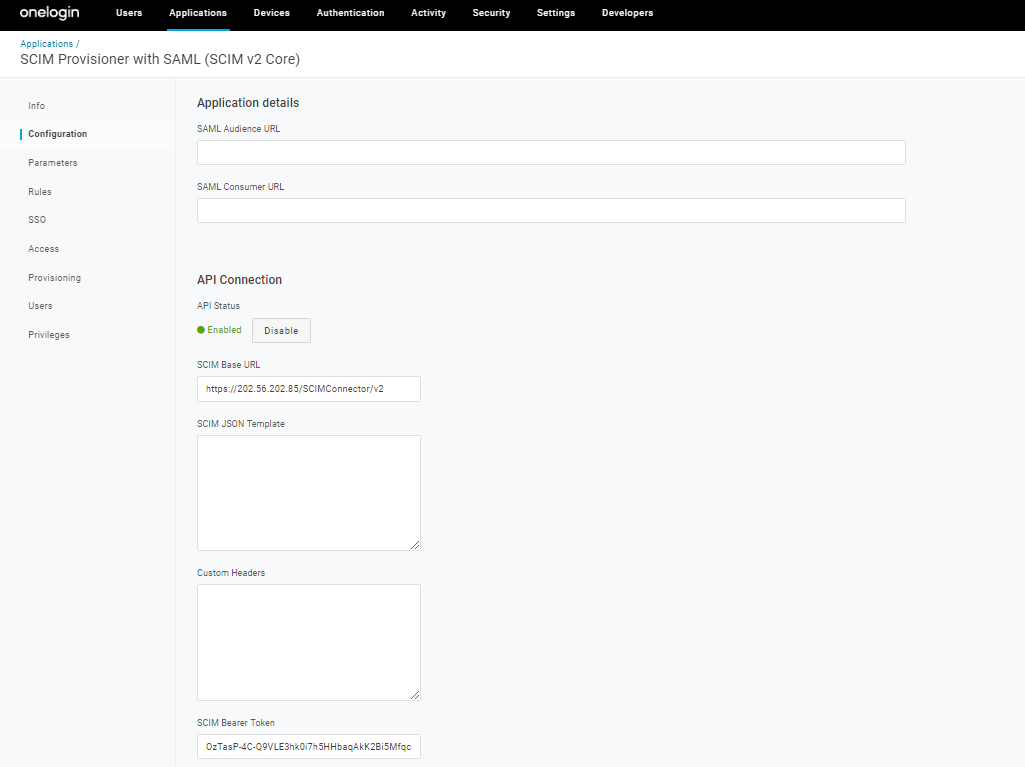
Select Configuration, give your SCIM Base URL and SCIM Bearer Token.
-
Select Enable API Connection.