Configuring Azure DevOps Task
Step 1: Create or Open a Pipeline
- Open or create a Build or Release pipeline in Azure DevOps.
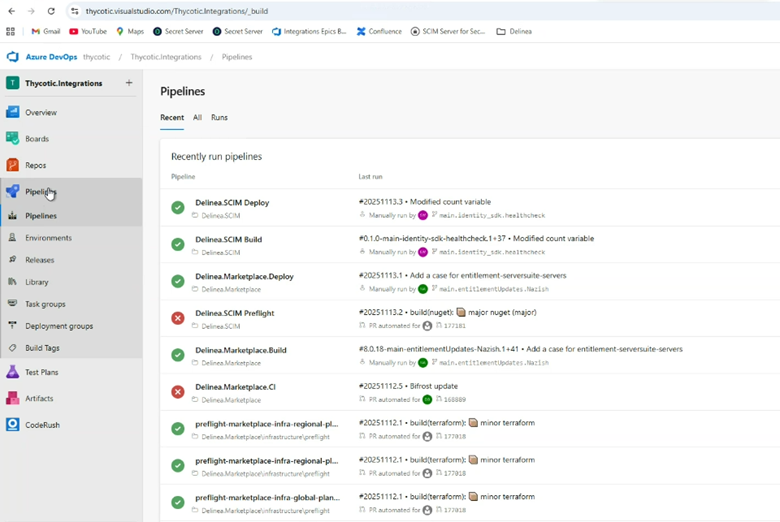
- Select Pipelines from the left navigation pane.
- Select New Pipeline.
-
Choose your repository provider:
- Azure Repos Git
- Classic Editor (optional)
-
Select the repository.
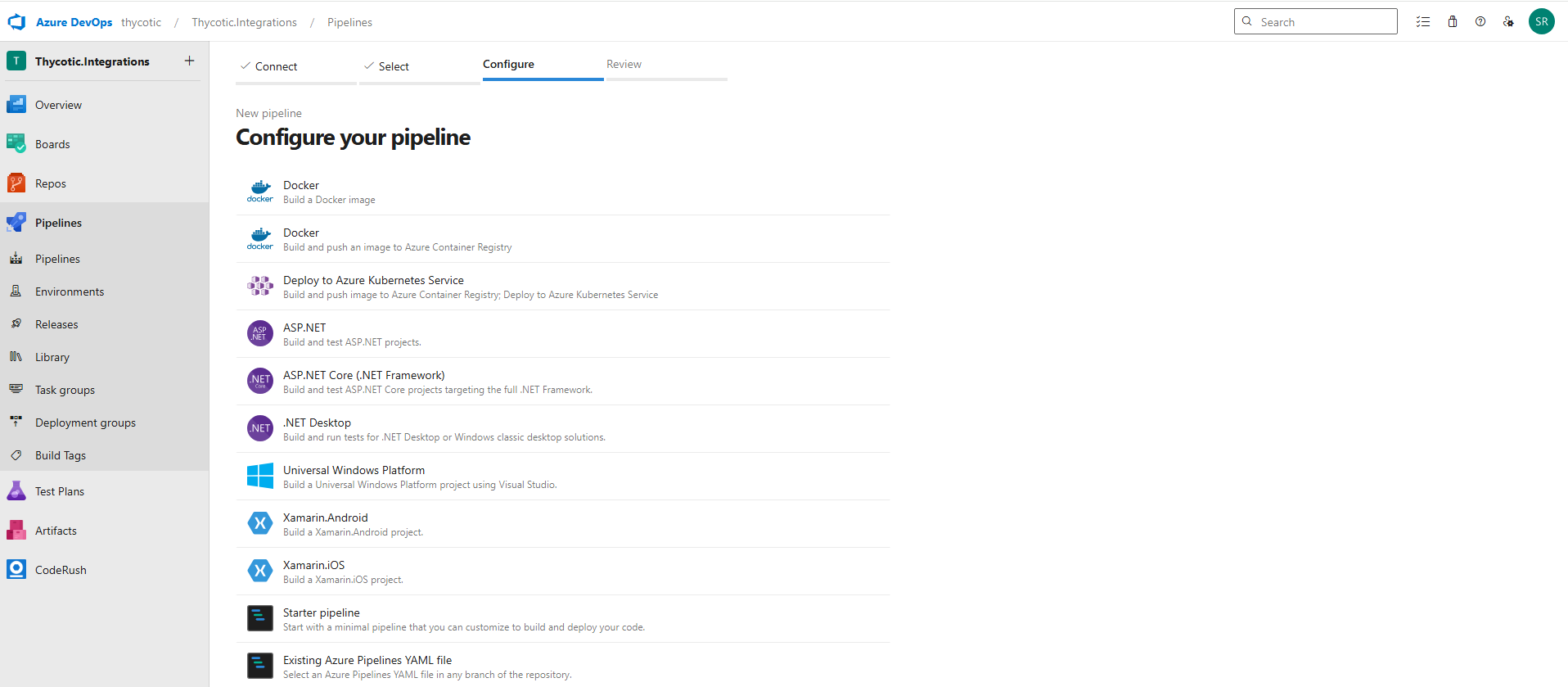
Select a template such as ASP.NET Core.
-
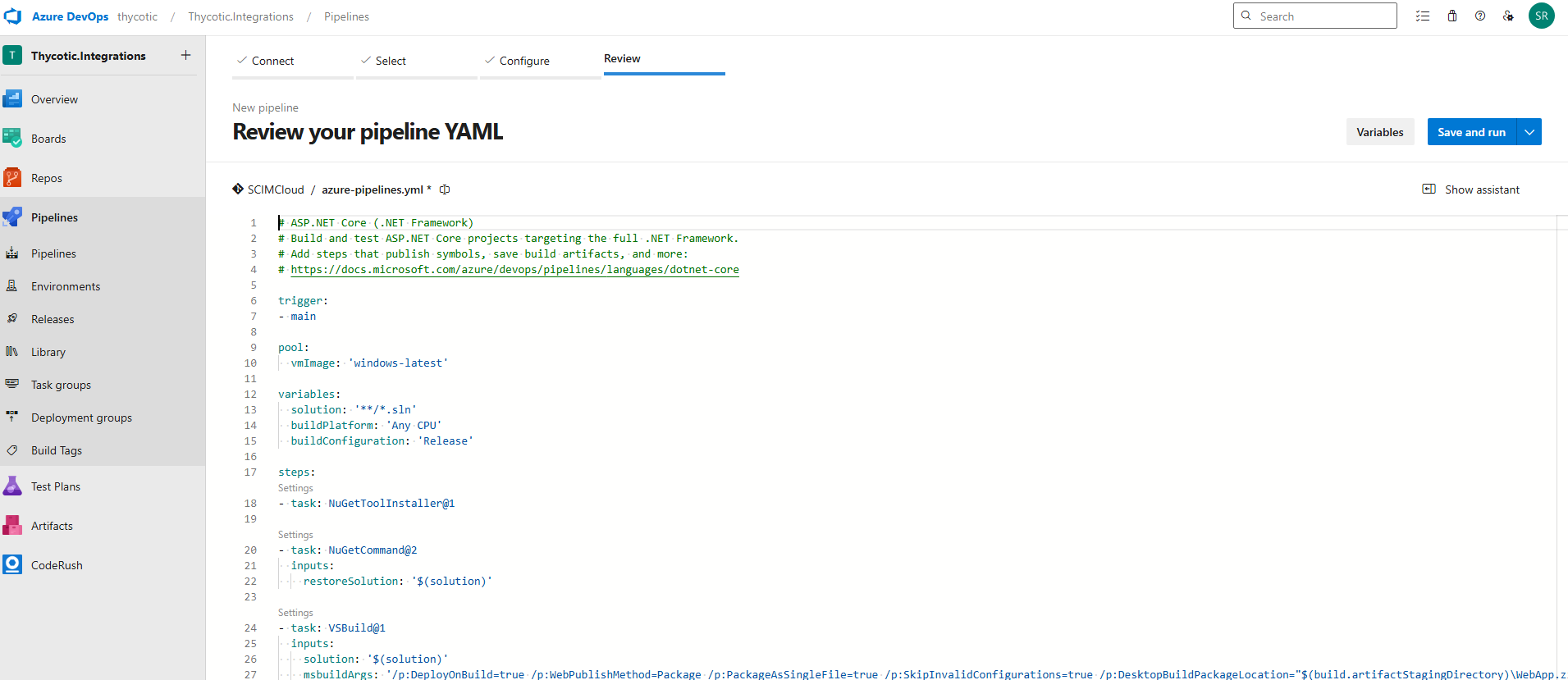
A YAML editor window opens.
-
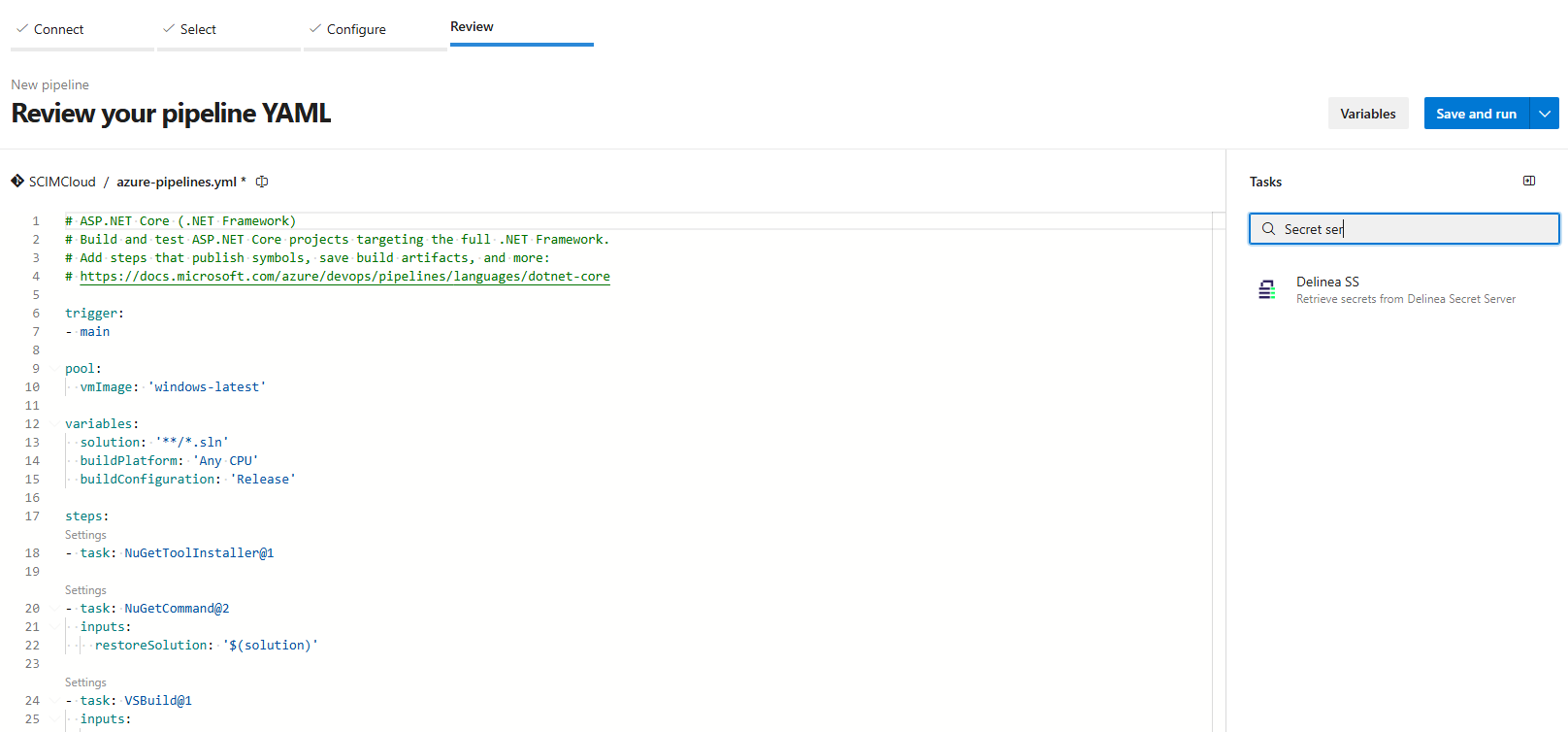
Select Show assistant and search for Delinea SS.
-
Select Delinea SS to add the task to the pipeline.
Step 2: Configure Task Parameters
Configure the following parameters:
- Server URL: Enter the URL of your Secret Server instance.
- Secret Server Cloud: https://mycompany.secretservercloud.com
- Secret Server On-Prem: https://ssvr.example.com
Platform Tenancy: https://tenant.delinea.app
- Username:
- Secret Server: Application Account with required permissions
-
Platform: Service User with required permissions
- Password: Password for the selected user (Application Account or Service User)
- Secret ID: The ID of the secret to be fetched.
- Field Filter:
*— Retrieve all secret fields.- Comma-separated field/slug names — Retrieve specific fields.
Example:username,password
- Variable Prefix (optional):
Prefix added to generated environment variables.
Example: PrefixDSS_+ slugxyz→DSS_xyz.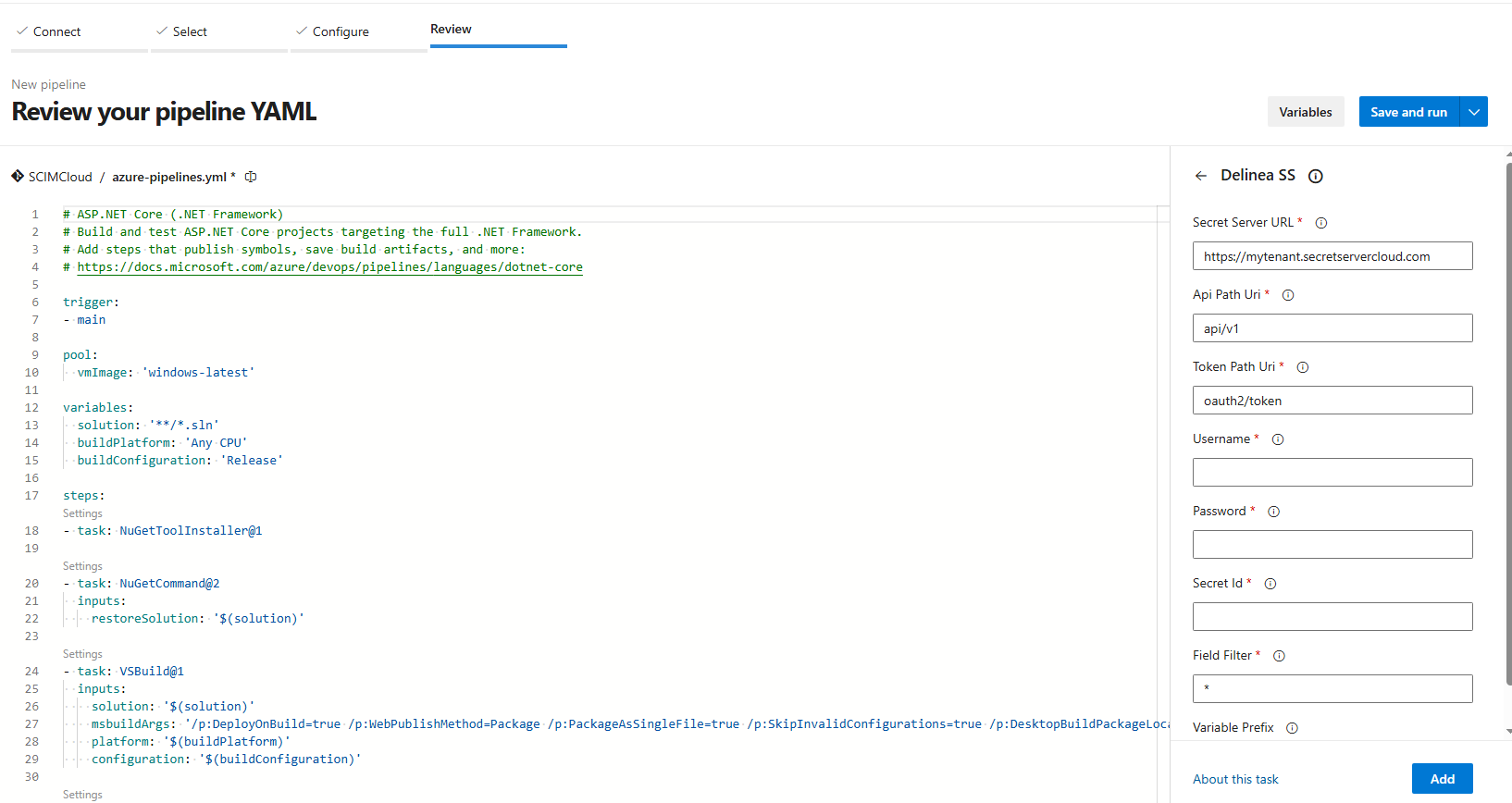
Step 3: Finalize the Configuration
-
Select Add to insert the task with the configured parameters into the YAML.
-
Save the pipeline.
-
Select Run to execute it.


