Setup
Before visualizing or analyzing Secret Server events in QRadar, it’s essential to install the necessary components that enable log parsing and dashboard visualization. This involves installing the Device Support Module (DSM) for Secret Server and the QRadar Pulse app. These components ensure that QRadar can correctly interpret and display log data from Secret Server for effective monitoring.
Install the DSM Extension for Secret Server
DSM (Device Support Module) and Qradar Pulse app enable QRadar to parse incoming Secret Server log data.
-
Log in to Qradar.
-
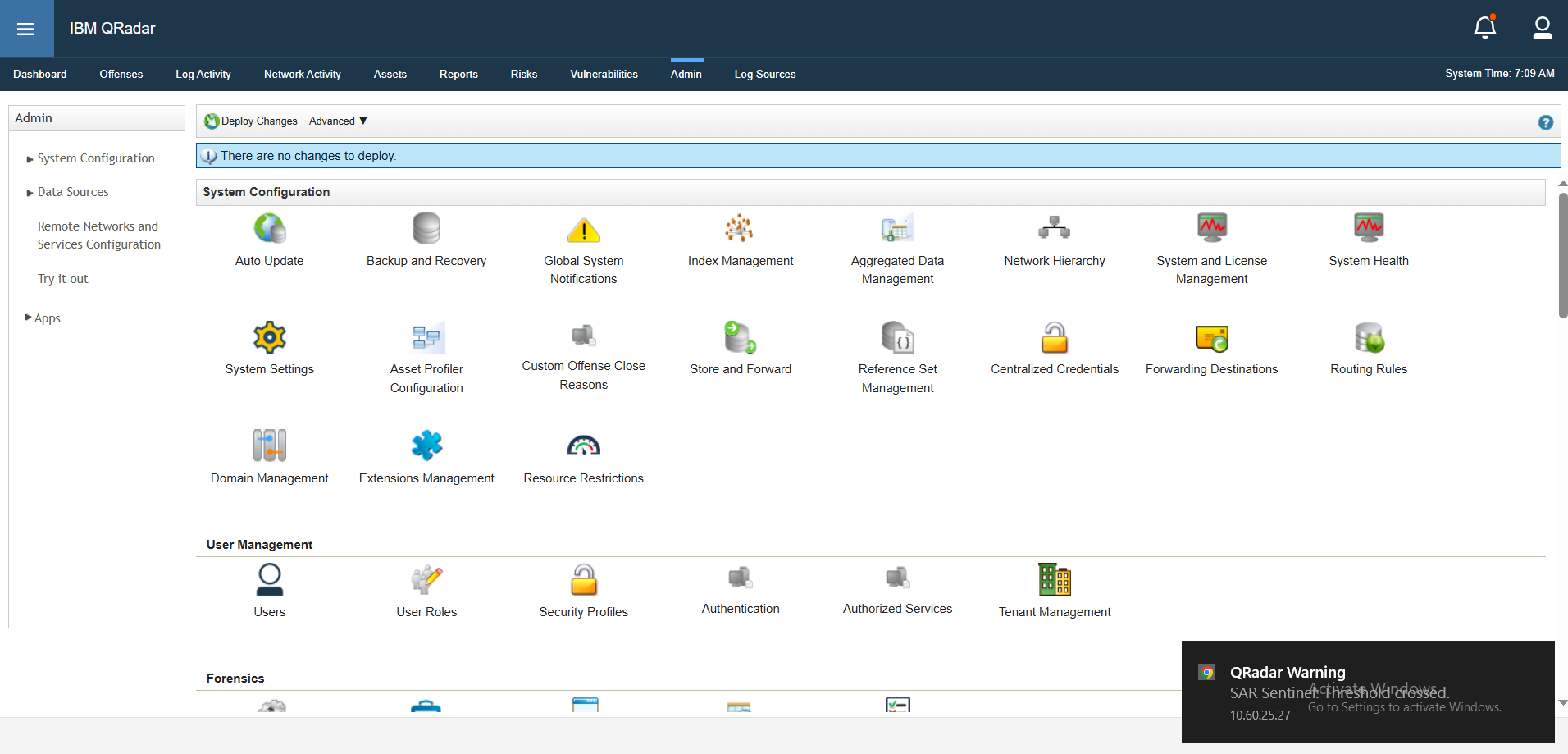
Go to Admin > Extensions Management.
-
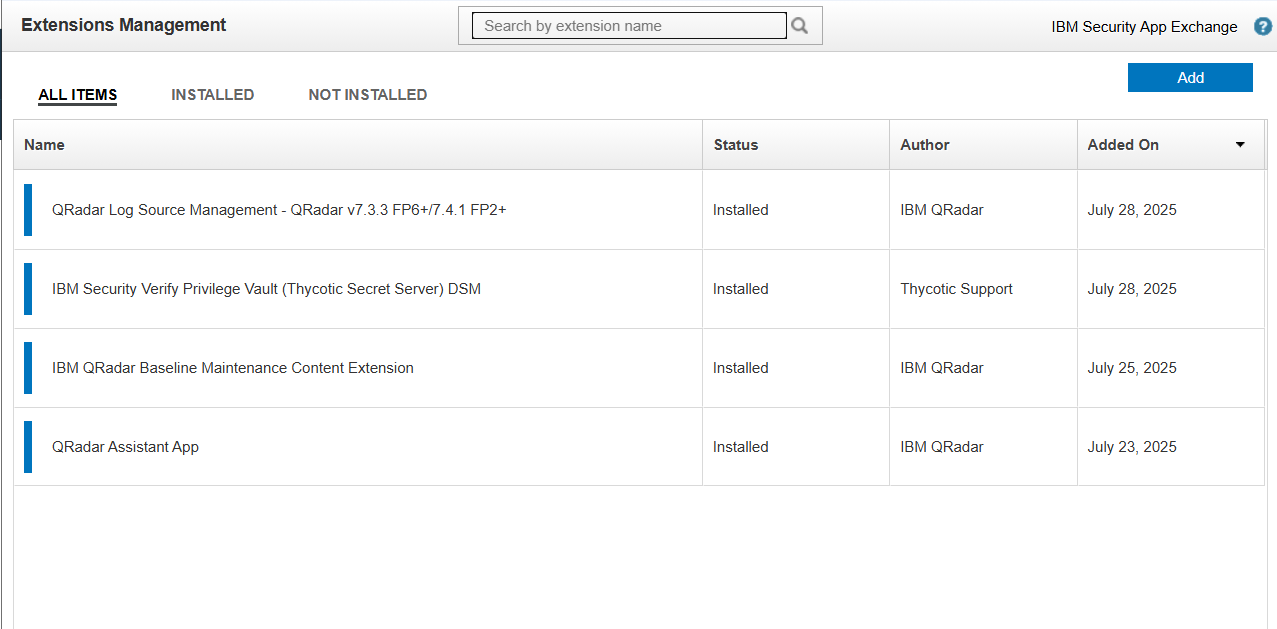
Select Add to start adding extensions.
-
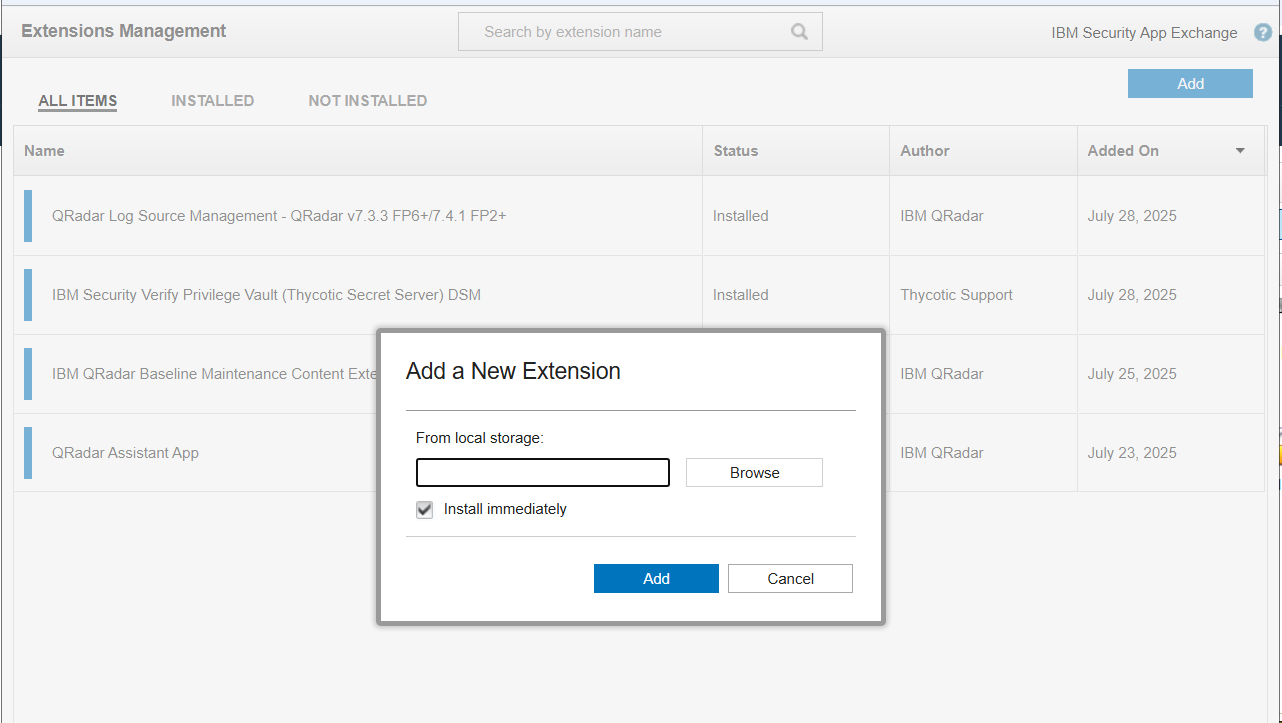
Select Browse, find the files, and then select Add. Upload both the Qradar Pulse App and Delinea DSM .zip files.
-
Follow the wizard to install.
-
Restart QRadar services if prompted.
The logs from Secret Server will now be parsed and categorized.


