Configuring Secret Server On-Prem
This section describes how to enable logging in Delinea Secret Server On-Prem to forward syslog-formatted events to IBM QRadar. You’ll configure Secret Server On-Prem to send CEF or Syslog logs to the appropriate QRadar IP and port to initiate log collection.
-
Log in to Secret Server.
-
Go to Settings >Application
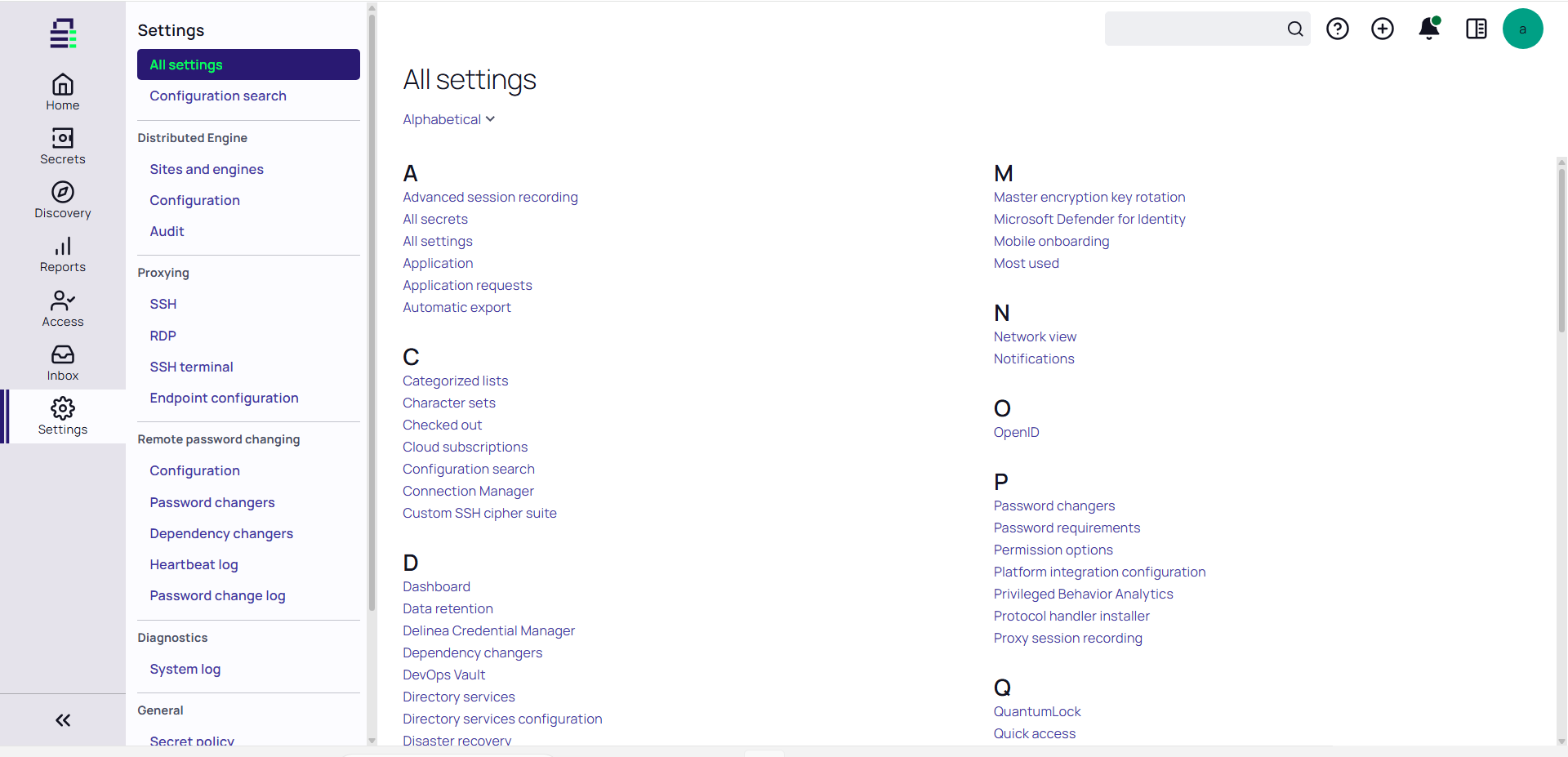
-
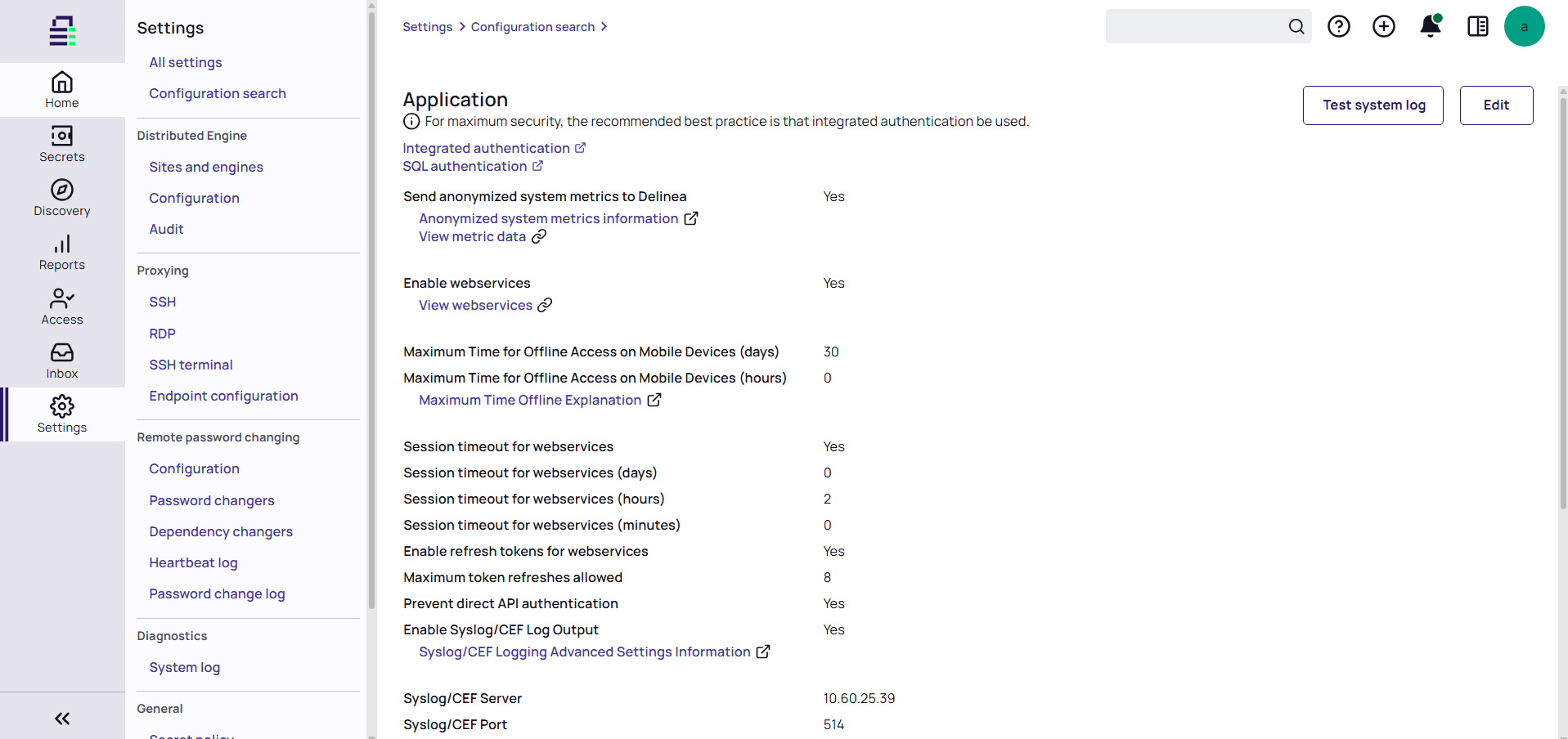
Select Edit.
-
Set the Enable Syslog /CEF Log Output option to Yes
-
Enable SIEM Logging:
-
In the Syslog/CEF Server field, enter the QRadar IP address.
The Log Source Identifier refers to the device sending logs to QRadar (the Secret Server host), not the QRadar collector itself.
-
In the Syslog/CEF Port field, enter 514 (for TCP protocol).
-
-
Save the configuration.


