Configuring QRadar via TLS Log Source
This section explains how to configure IBM QRadar to securely receive Secret Server log data using the TLS Syslog protocol on port 6514. For Secret Server Cloud (SSC) deployments, logs are forwarded to QRadar through a Distributed Engine.
Secret Server Cloud cannot directly send syslog or CEF logs to QRadar. A Distributed Engine installed on-premises is required to forward event logs.
Set up a log source extension in QRadar to identify and associate incoming log traffic from Secret Server with the correct log source type.
Configure QRadar TLS Log Source
Configure a TLS-based log source in QRadar to enable encrypted ingestion of Secret Server events.
-
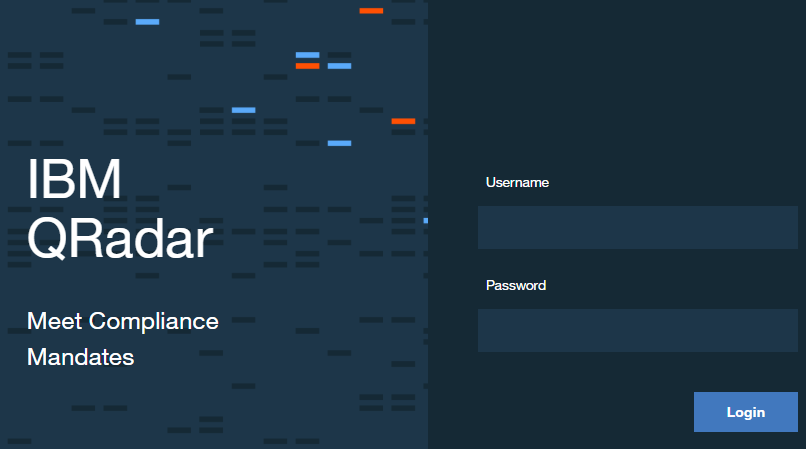
Log into QRadar.
-
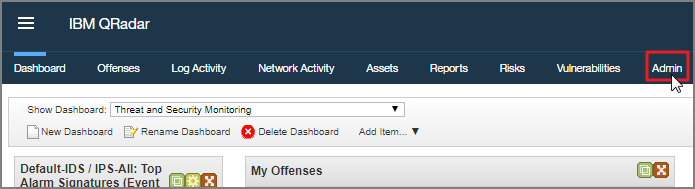
Navigate to the Admin tab.
-
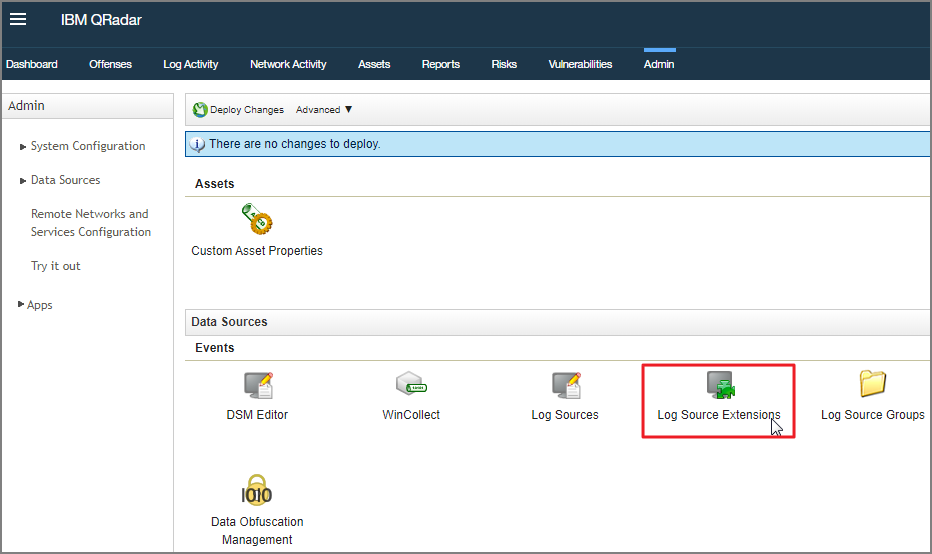
Select Log Source Extensions.
-
Select Add.

-
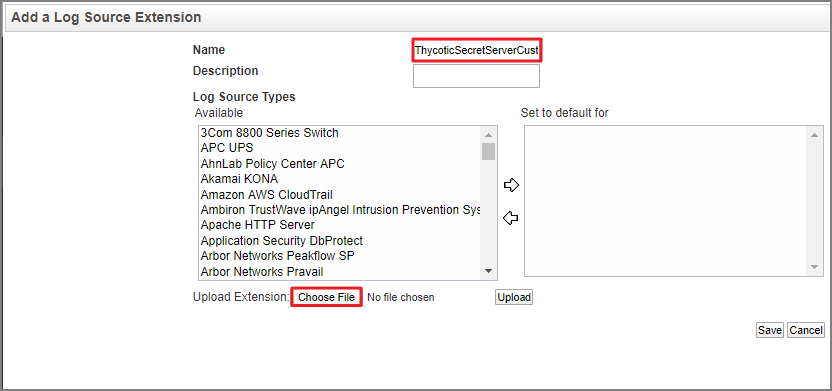
Add a name and description for the Log Source Extension.
-
Select the appropriate Log Source Type from the displayed list.
-
Select Choose File.
-
Configure the TLS Log Source parameters:
-
Protocol Configuration: TLS Syslog
-
Log Source Identifier: Enter the hostname or IP address of the Distributed Engine forwarding logs from Secret Server Cloud.
-
TLS Listen Port: 6514
-
Authentication Mode: Choose authentication method (TLS or TLS with Client Authentication)
-
Certificate Type:
-
Generated Certificate (QRadar auto-generates)
-
Single Certificate and Private Key (requires DER-encoded PKCS8 private key)
-
PKCS12 Certificate and Password
-
-
Use As A Gateway Log Source: Enable this to allow QRadar to automatically detect the correct log source
-
TLS Protocols: Select TLS 1.2 and above
-
Maximum Connections: Default is 50 (up to 1000 across all TLS syslog configurations)
-
Click Save. QRadar will generate a syslog-tls certificate.
-
Deploy configuration: Admin > Advanced > Deploy Full Configuration
Certificate Management
The QRadar TLS certificate is located at:
/opt/qradar/conf/trusted_certificates/syslog-tls.cert
This certificate must be accessible to the Distributed Engine to establish the encrypted connection.
-


