Verification
Use the following steps to verify that the integration between GitLab and Secret Server is working correctly.
Trigger the Pipeline
A pipeline starts automatically when:
-
You push code
-
You create a merge request
-
You run manually (if configured)
Manual Trigger
-
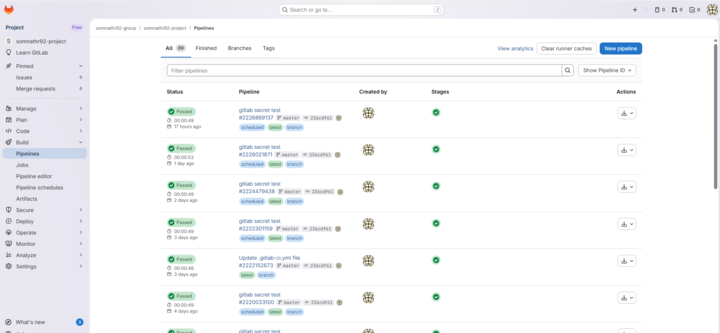
Go to Build >Pipelines.
-
Select New pipeline.
-
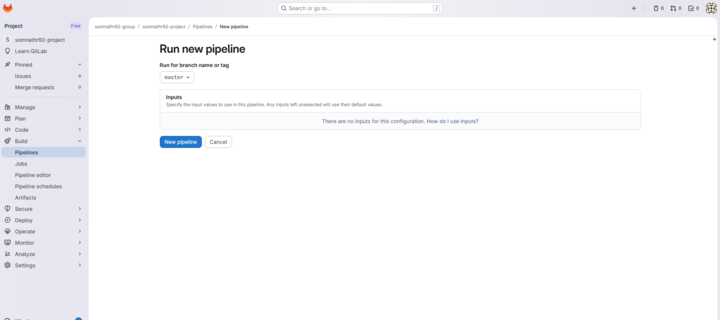
Select the branch.
-
Click New pipeline.
-
Now the pipeline runs automatically.
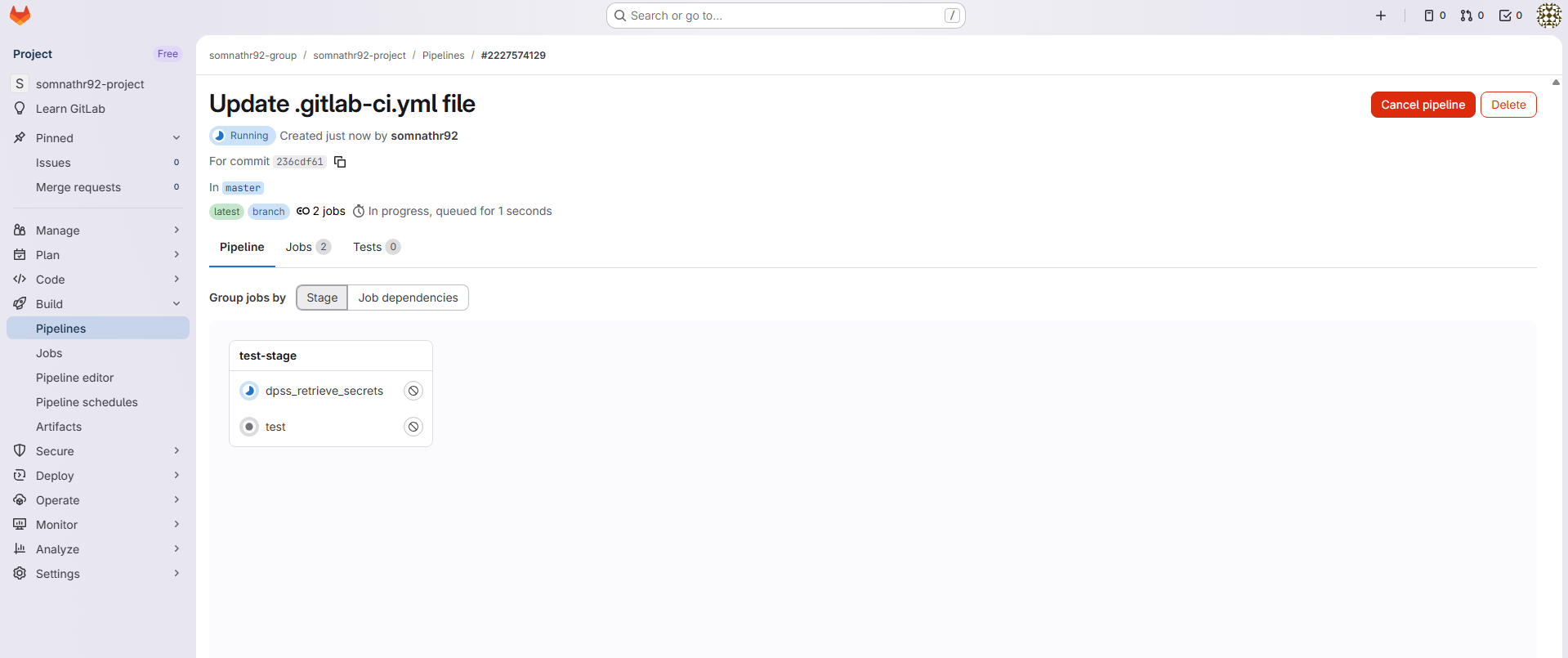
If you see any failed jobs under the Jobs tab, it means that the pipeline failed.
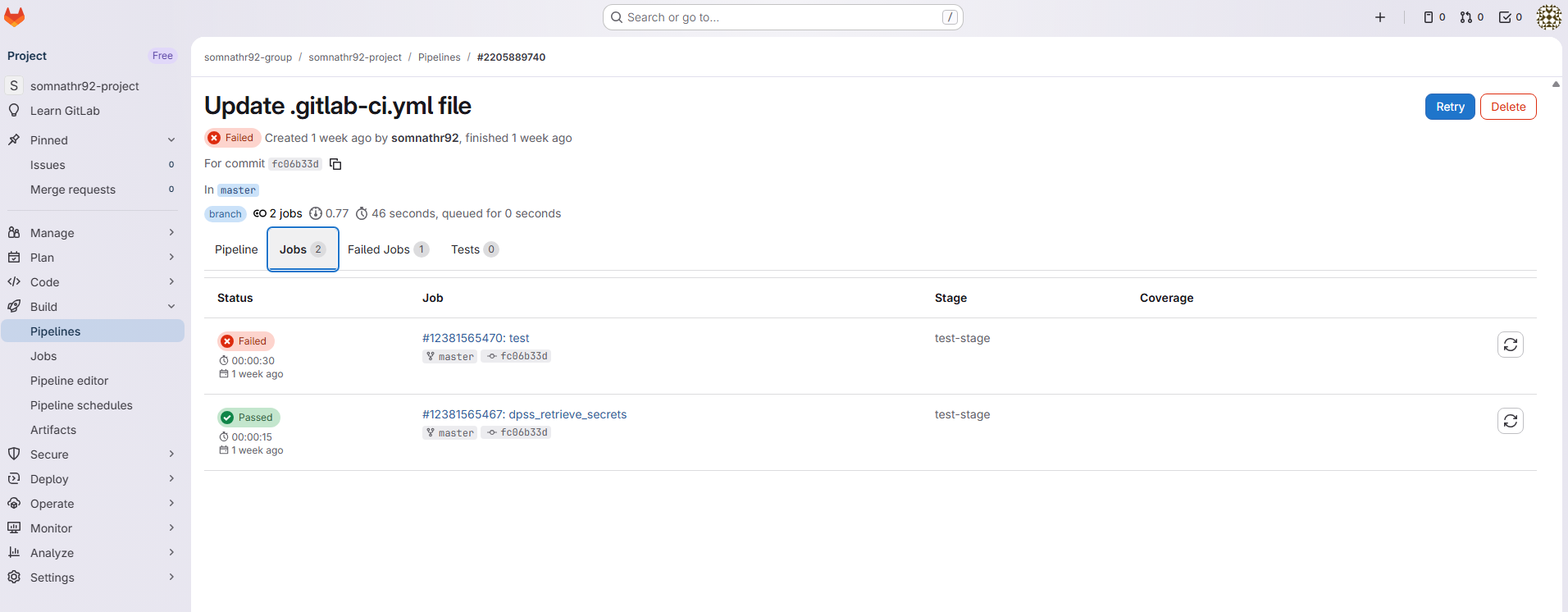
Verify Secret Retrieval in the Pipeline
In your GitLab pipeline, add a script step that references a retrieved value. For example:
echo "$DELINEA_SERVER_URL"
Ensure the following CI/CD variables are configured in your GitLab project:
| Variable Name | Description | Security Recommendation |
|---|---|---|
| DPSS_SERVER_URL | The URL of your Delinea instance | Masked |
| DPSS_CLIENT_ID | Platform username or Secret Server username | Masked |
| DPSS_CLIENT_SECRET | Platform password or Secret Server password | Masked and Protected |
| DELINEA_RETRIEVE | JSON array defining which secrets to retrieve | Not applicable |
Monitor Pipeline Execution
Go to CI/CD > Pipelines.
Select a pipeline to view its details and review:
- Job logs
- Stage status
- Errors or failures
If the pipeline completes successfully and the expected environment variables are available to downstream jobs, the integration is working correctly.


