Setup
To set up the integration between GitLab and Secret Server, you must perform the following tasks:
- Use the Delinea GitLab Docker image.
- Prepare the GitLab project for CI/CD execution.
The following sections describe how to perform these tasks.
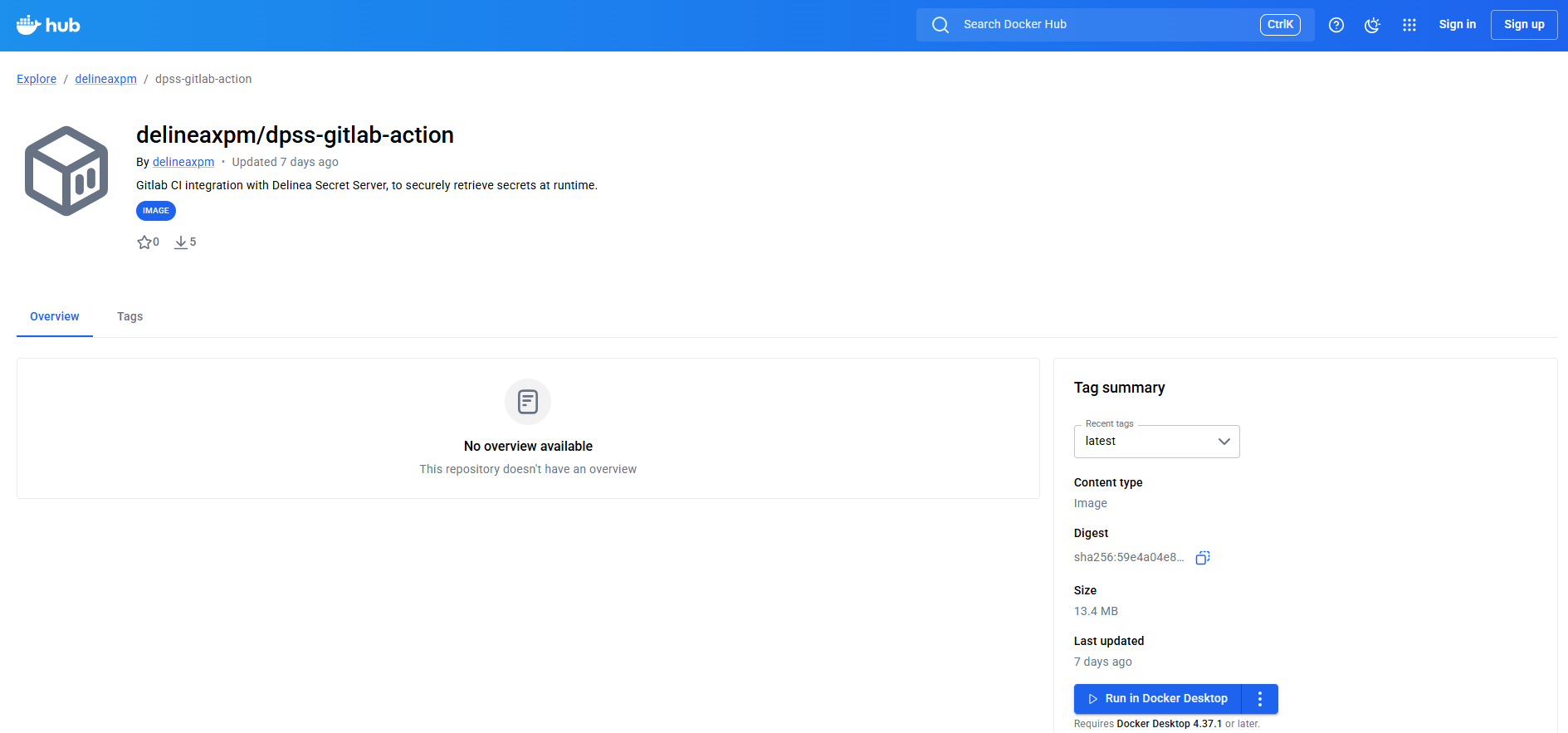
Using the Delinea GitLab Docker Image
You do not need to install any tools locally to use this integration. The integration is designed to be pulled dynamically during GitLab pipeline execution.
Ensure that the Delinea Docker image dpss-gitlab-action is available on Docker Hub, and that you use the latest tag in your GitLab pipeline.
Preparing the GitLab Project
To prepare your GitLab project for the integration, complete the following steps:
- Log in to GitLab.
- Create a new project or open an existing project.
- Ensure that you have Developer or Maintainer access to the project.
- Ensure that the repository contains at least one branch, such as
mainormaster. -
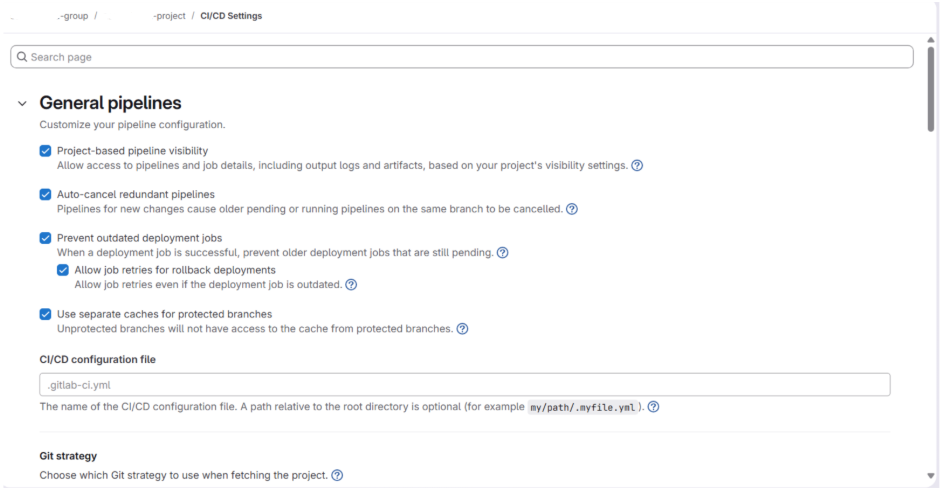
Verify that CI/CD is enabled:
- Go to Settings > CI/CD.
- Expand General pipelines.
- Ensure that Pipelines are enabled.