Setup
Install Linux on the Linux User Server Address
Run the python –version command to verify if the version of Phyton 3.10 is installed.
If the Phyton version is less than 3.10, you can download and install it, or you can build it from a source.
Download Linux Agent to a Server
-
In your Delinea Cloud Suite tenant download the package used to register the Linux machine in Delinea Cloud Suite.
-
On your Linux machine run the
cd ~/ Downloads(Downloads is the name of the folder where the package was copied) command to open theDownloadsfolder on your Linux machine. -
Run the
lscommand to display all the files inside theDownloadsfolder.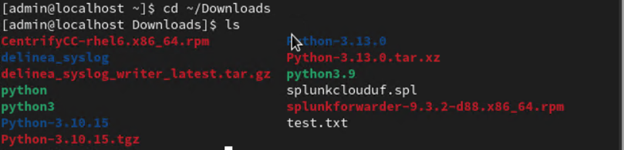
-
Run the
sudo dnf install ./CentrifyCC-rhel6.x86_64.rpmcommand to install the file with the .rpm extension. -
Run the
cinfocommand to verify if the.rpmfile is installed and it is connected to Delinea Cloud Suite.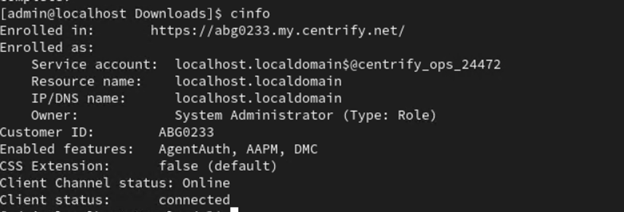
Make sure to copy this package into your Linux machine in the Downloads folder.
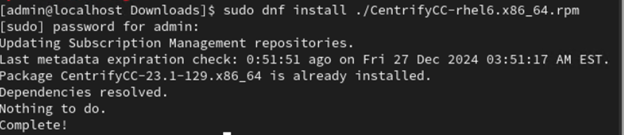
The .rpm file connects the machine with Delinea Cloud Suite.


