Configuration
To configure the integration between Appgate ZTNA and Secret Server, complete the following tasks.
-
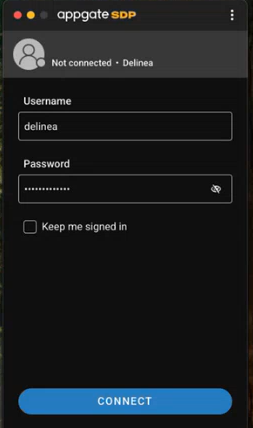
Open the Appgate client and log in using valid Delinea user credentials. Select Connect.
-
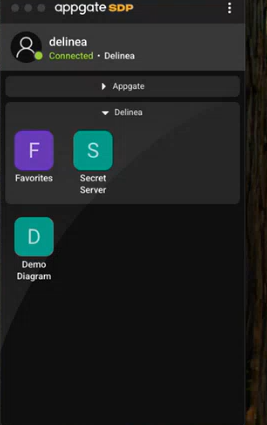
After login, a set of application shortcuts opens. Collapse the Appgate shortcuts and focus on the Delinea shortcuts. Expand the shortcut for Delinea Secret Server and then select the Secret Server option.
-
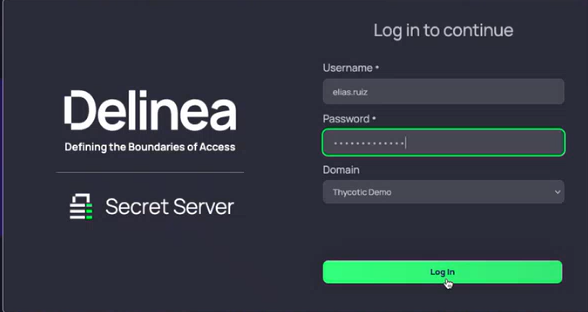
The Delinea Log in page opens. Enter valid user credentials to access Secret Server.
-
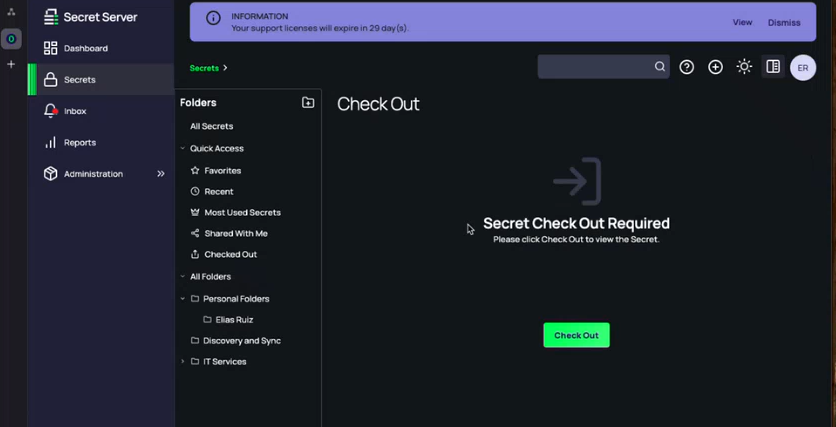
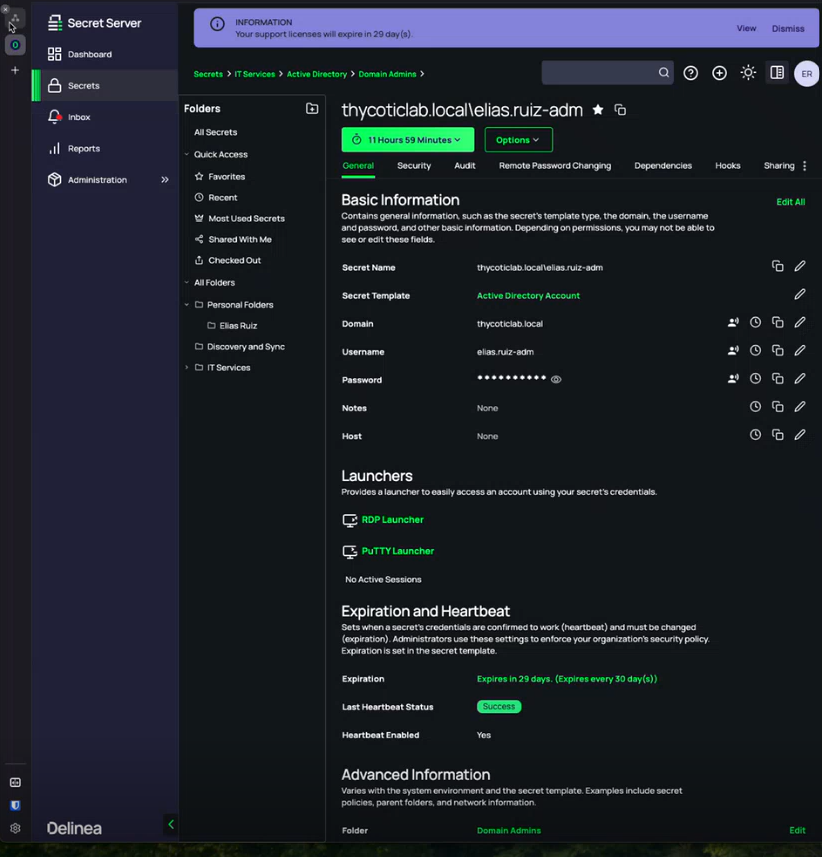
In Secret Server, navigate to the Secrets > Quick Access >Favorites section. Select the required secret and then click Check Out. Once the secret is checked out, it becomes available for use with session launches.
-
Select the RDP Launcher hyperlink.
-
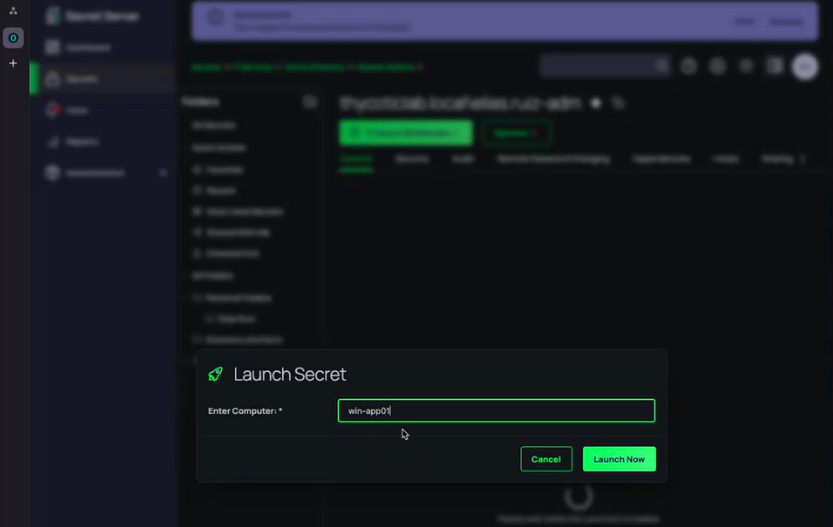
Specify the name of your computer(for example, Winapp01) and select Launch Now. The launcher initiates the RDP proxy process and starts a connection protocol from the local workstation.
-
Once the RDS is launched, Appgate asks for a reason for establishing RDP session with Delinea Secret Server. In the Reason field enter the reason and then select Submit.
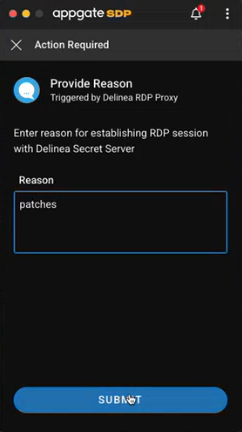 When the RDP session is launched, Appgate enforces conditional access policies. In this example, the user is prompted to provide a reason for access.
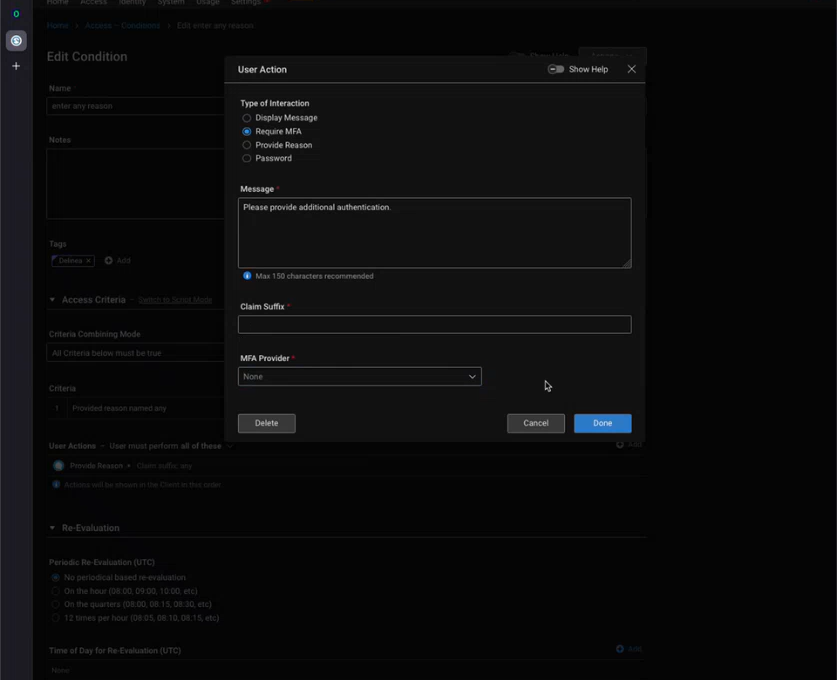
- In Appgate, navigate to Access > Conditions.
- Select or create a condition, then configure the Type of Interaction. Options include:
- Display Message – show an informational message.
- Require MFA – prompt for multi-factor authentication using an MFA provider.
- Provide Reason – require the user to enter a reason before access is granted.
- Password – require the user to enter a password.
- (Optional) Enter a custom Message to display to the user.
- (Optional) Select an MFA Provider if “Require MFA” is chosen.
- Select Done to save the condition.
-
Once the condition is satisfied, the RDP session to the target system is established. Credentials are dynamically injected by Secret Server, so they are never exposed to the end user.


