Marking Alerts as Viewed
-
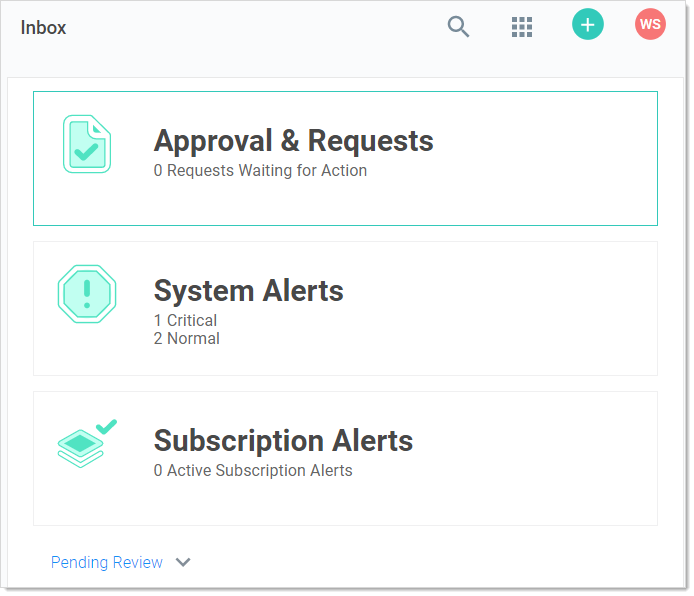
Access the alert notification center by clicking the Inbox button on the main menu. The Inbox appears:
-
Click the System Alerts button. The System Alerts page appears:

-
Click the Mark as Read button for the each alert you no longer wish to view. The alert disappears, but you can still see it if you click the Include Read toggle button.


