Viewing Event Subscription Logs
To view the events that have been triggered in a subscription perform the following:
-
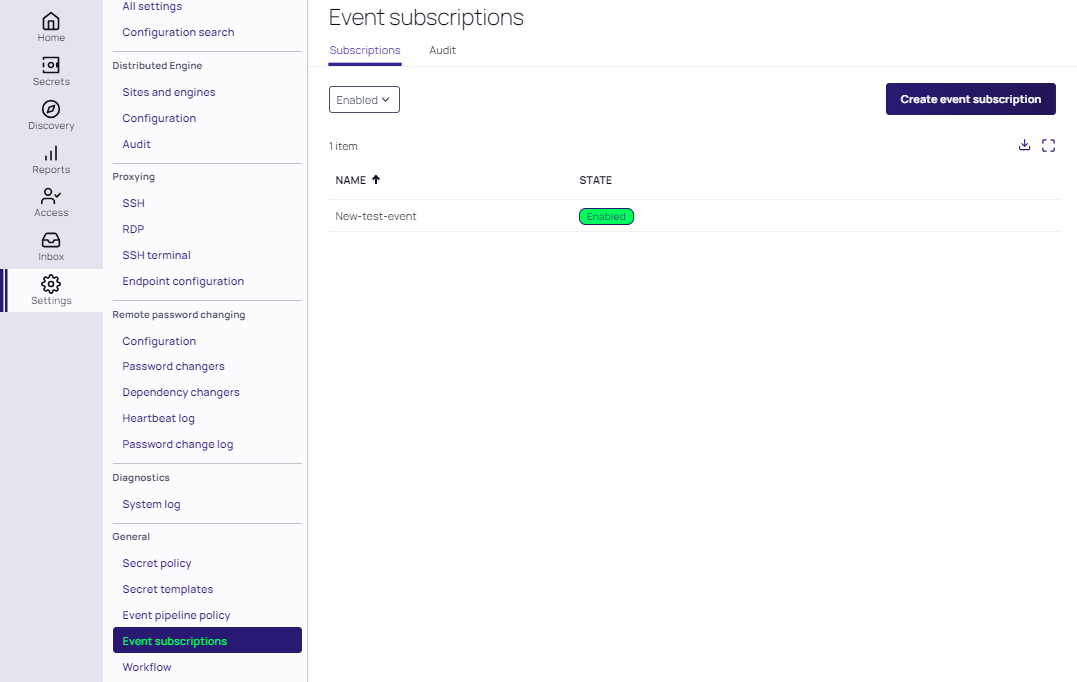
Search for the Event Subscriptions page which shows all current enabled event subscriptions by default.
-
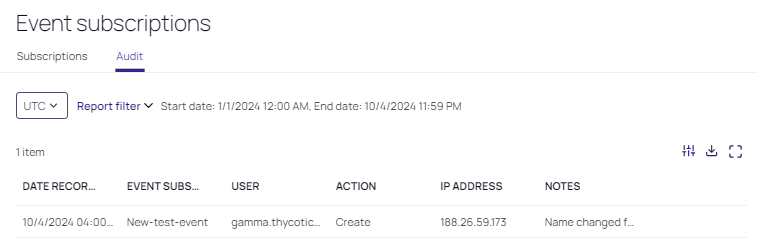
Navigate to the Audit tab. A report is generated automatically for the event subscriptions you have enabled. The most recent events to have been triggered are typically at the top of the list.
-
To select a specific time frame, click the Report filter drop-down:
-
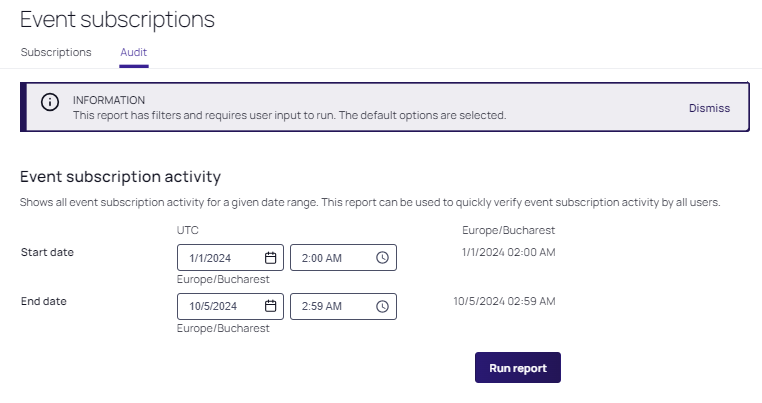
The Event subscription activity date range selectors for your current location appear here. Select the start and end dates, along with their respective times. Click Run report to return the corresponding log entries:
It may take a few seconds for the events to make it into the log.


