Accessing the Workflow Designer
You are viewing documentation for an older version of Secret Server. If you are using Secret Server Cloud visit the current version of this documentation here. If you are using Secret Server On-Premises choose the version that matches yours from this list.
For release dates, end-of-support timelines, and upgrade guidance, see the Secret Server Product Lifecycle page.
For release dates, end-of-support timelines, and upgrade guidance, see the Secret Server Product Lifecycle page.
To access workflows:
-
Go to Admin > Workflows. The Workflows page appears:
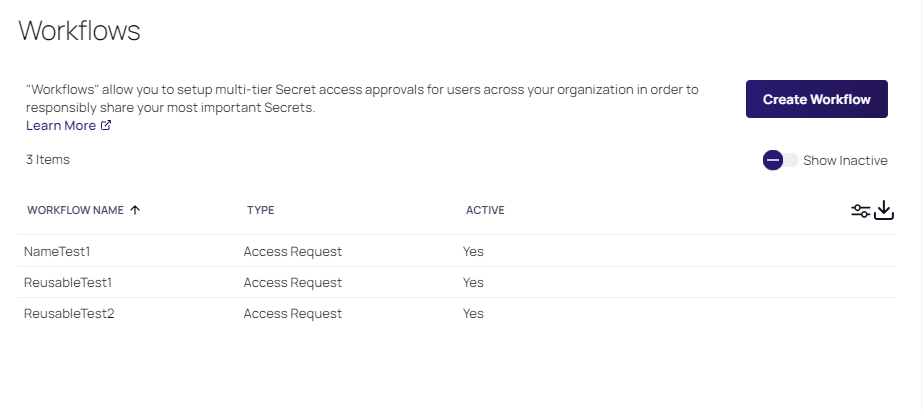
The page lists all active workflows.
-
(Optional) Click to enable the Show Inactive toggle button, under the Create Workflow button, to show both active and inactive templates. When the toggle button is disabled, it only shows active workflows.
-
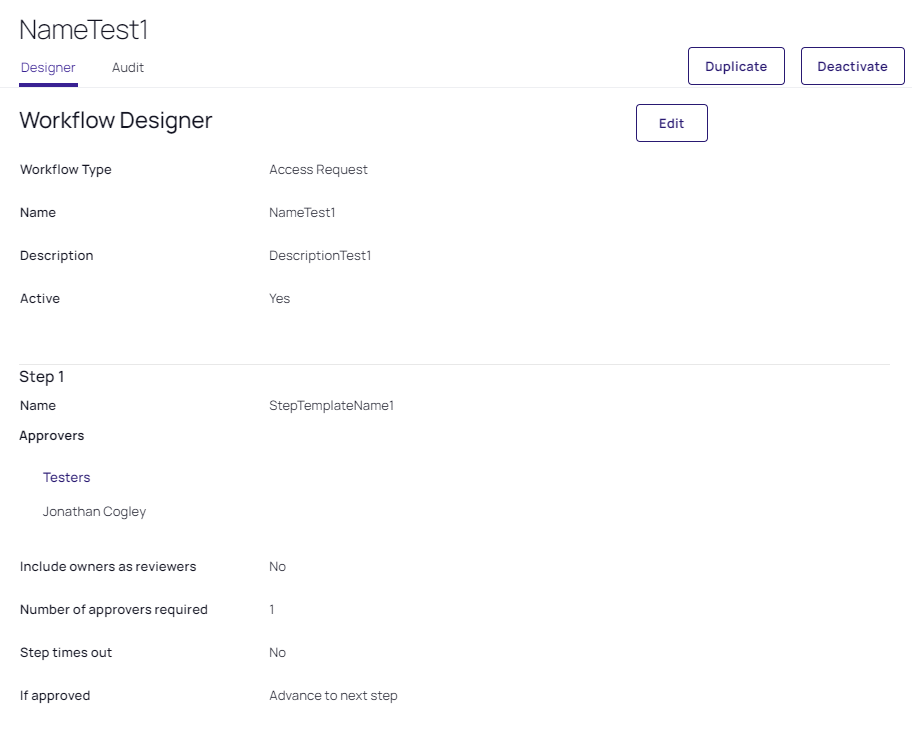
Click any workflow in the list to go to the designer page for that workflow: