
Assigning Users to Groups
You are viewing documentation for a version of Secret Server that is no longer supported. Delinea supports Secret Server for one year after release. This version has passed that window and will no longer receive updates. We strongly recommend upgrading to a supported version. Visit the current version of this page for the latest documentation.
For release dates, end-of-support timelines, and upgrade guidance, see the Secret Server Product Lifecycle page.
You can view the latest version of the Secret Server documentation here.
For release dates, end-of-support timelines, and upgrade guidance, see the Secret Server Product Lifecycle page.
You can view the latest version of the Secret Server documentation here.
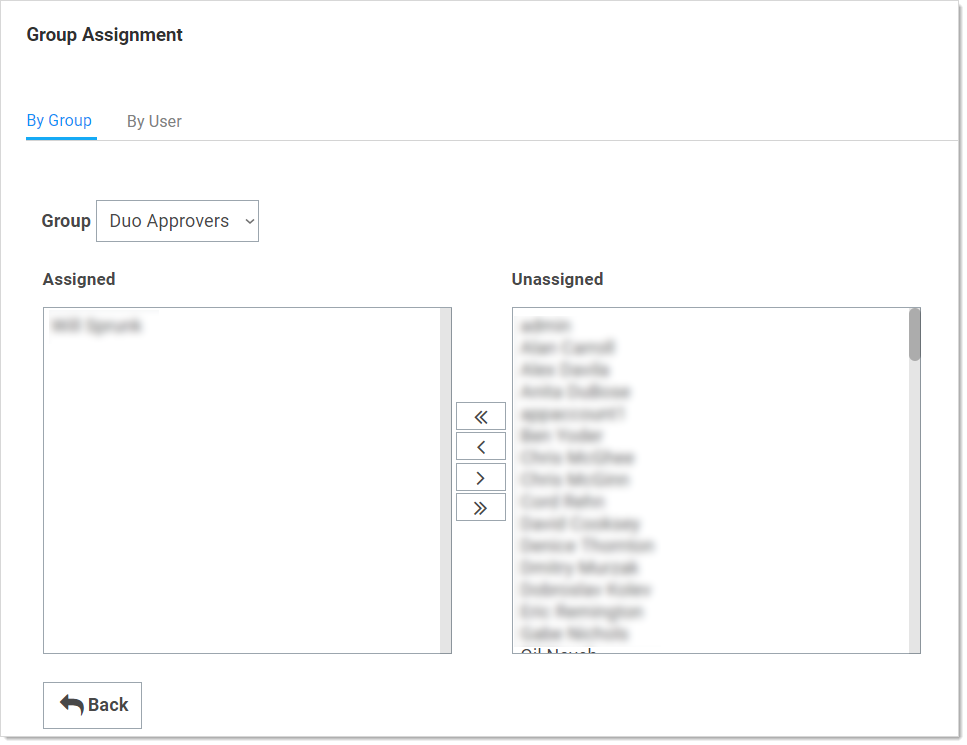
On the Group Assignment page, users can be added and removed from the group.
-
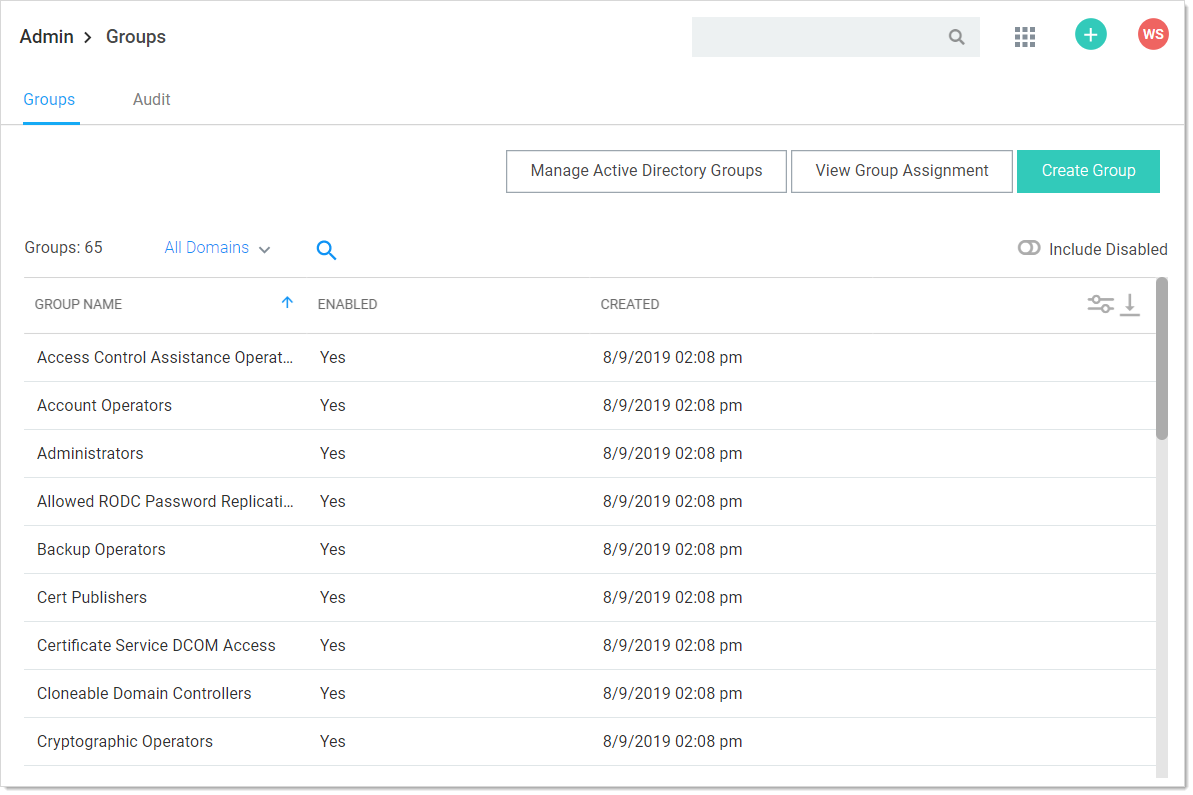
Navigate to the Groups page:
-
Click the View Group Assignment button. The Group Assignment page appears:
-
Use the arrow buttons to move users into and out of the current group. When you have finished with your changes, click the Save Changes button and your new group members are added.
Alternatively, you can click the By User tab and manage the groups for a single user:
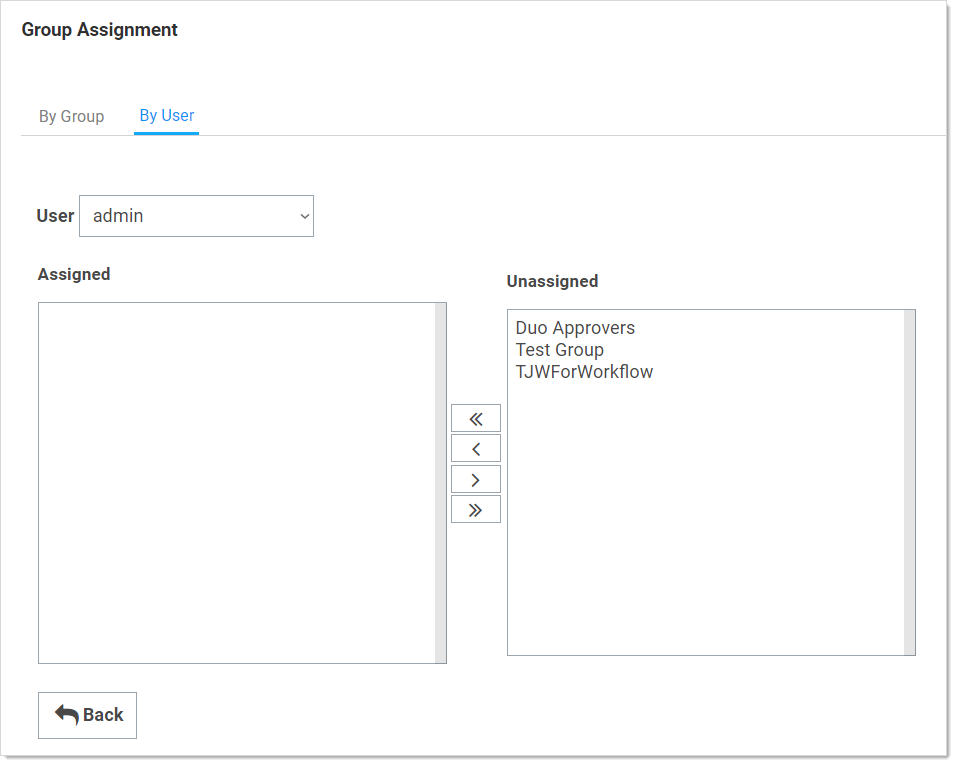
If the group was created using Active Directory synchronization, this group is not be editable. See Active Directory Synchronization.


