Uninstalling a macOS Agent
In the 11.4.3 agent, instead of using a shell script to uninstall the agent, there is now an uninstaller .pkg file. When you need to uninstall the macOS agent, mount the .dmg file and use the Uninstaller.pkg package.
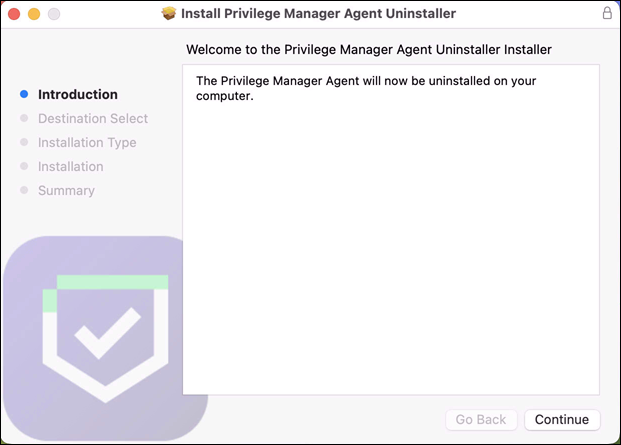
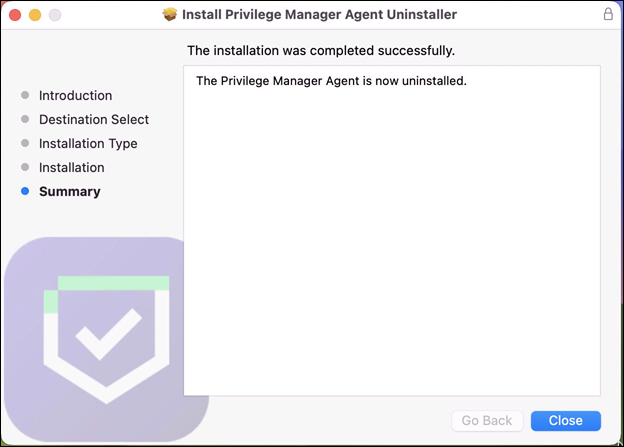
There will be prompts for admin credentials throughout the process. Once the uninstaller has finished, this screen is displayed.
Uninstall.sh
If the Uninstall.sh script is still needed to add to an existing script-based workflow, it can be run as follows:
sudo <pathToDownloadedUninstallScript>/Uninstall.sh
Verification
Running pkgutil - -files com.delinea.agent should report the following:
No receipt for 'com.delinea.agent' found at '/'.
Deploying Uninstaller.pkg with an MDM
Removing a system extension requires that the end user supply admin credentials, unless the system extension was installed silently using an MDM Configuration Profile with a System Extension whitelist payload. See Using MDM Profiles for your Agent.
If this is the case in your environment, it is possible to uninstall Privilege Manager without end user interaction via Jamf or MDM using these steps.
-
Remove the deployed system extension whitelist profile from the endpoint. This will terminate the system extension.
Unloading the system extension WILL DISABLE THE AGENT.
-
Push out the Uninstaller.pkg via policy to uninstall Privilege Manager.
-
An endpoint reboot is not required, but the terminated system extension will remain installed and inactive until reboot.


