Secrets with Workflows
Connection Managersupports a variety of Delinea Platform and Secret Server workflows associated with remote connections and the workflows functions are very similar to Secret Server such as:
- Multi-factor authentication
- Require Comment
- Check-in or Check-out (Able to check-in a secret if it was checked-out by the same user)
- Change Password on Check-in
- Prompt for Reason or Ticket System
- Request Access
- Double Lock
Users will see a notification in the properties area of the secret and if a Secret has a workflow associated with it, Connection Managerwill prompt you for the appropriate workflow options in the Properties pane. Please see the Secret Server Secret Workflows.
Once the workflow is successful, the connection is established.
Secret Check Out Timer
As part of the secret workflow, Connection Manager offers a secret check out timer which informs users how much time they have remaining to access a secret. The workflow for the secret checkout timer is described below:
- Simply click on any secret and in the right pane you will see information on whether or not the secret requires check out and how much time you will have to access the secret.
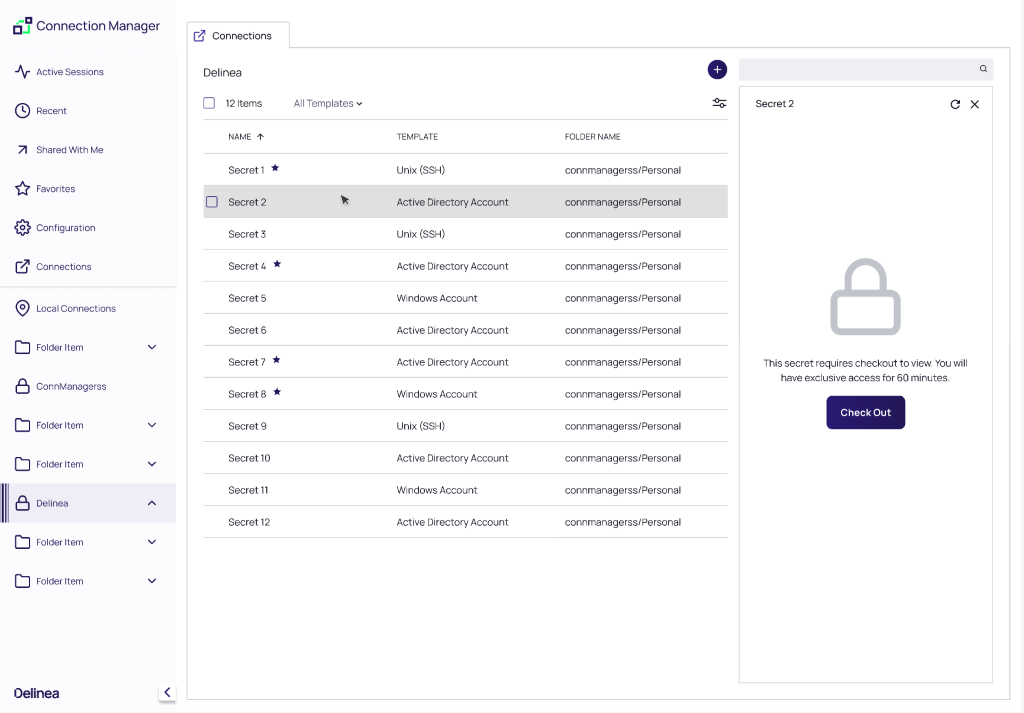
- If the secret requires check out, click Check Out
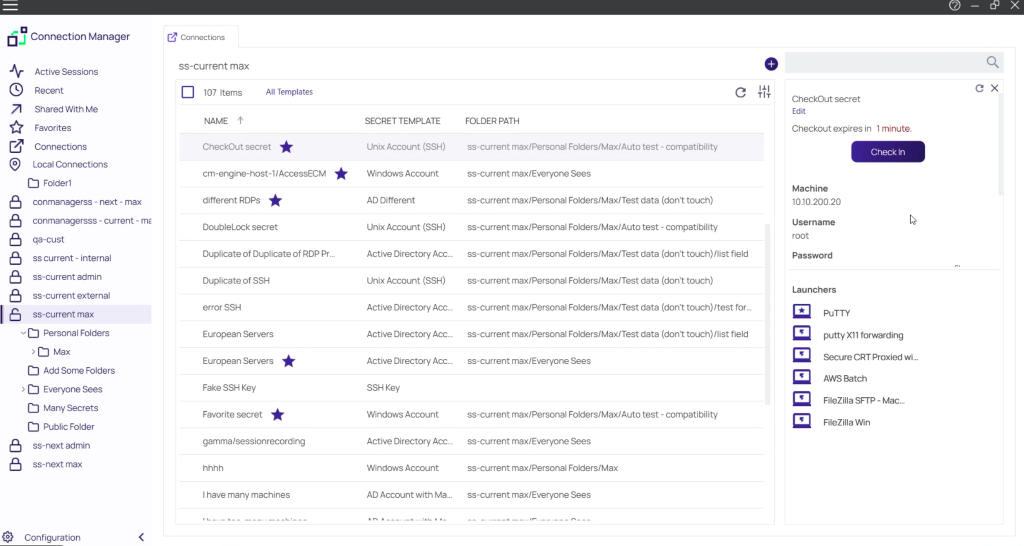
- Once you have been granted access to the secret, you will see a timer in the right pane, along with all of the needed information about the secret.
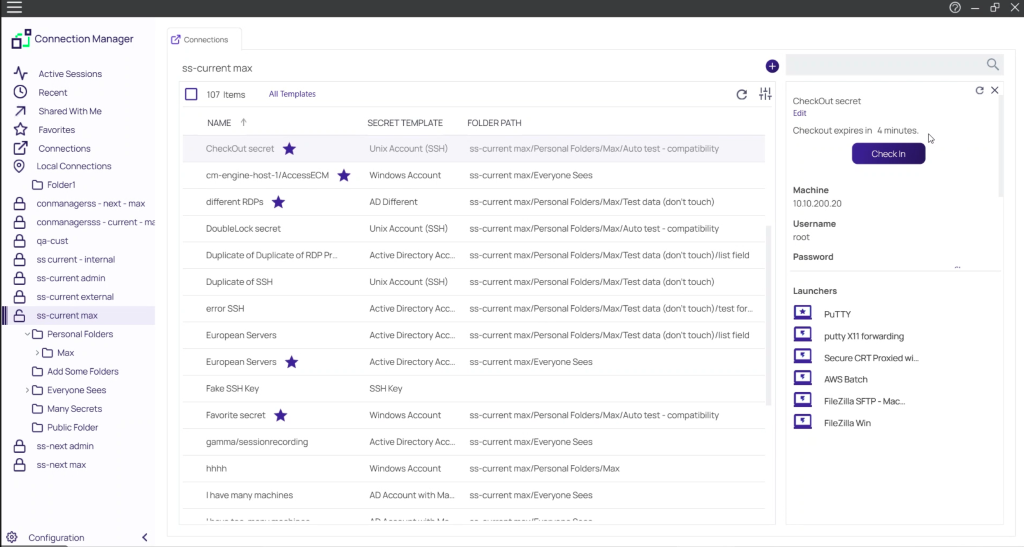
- When the time remaining with the secret falls below a parameter set in Secret Server, the timer will turn red to alert users that they are running out of time to access the secret